Apps / CADDrop

Browser extension
CADDrop
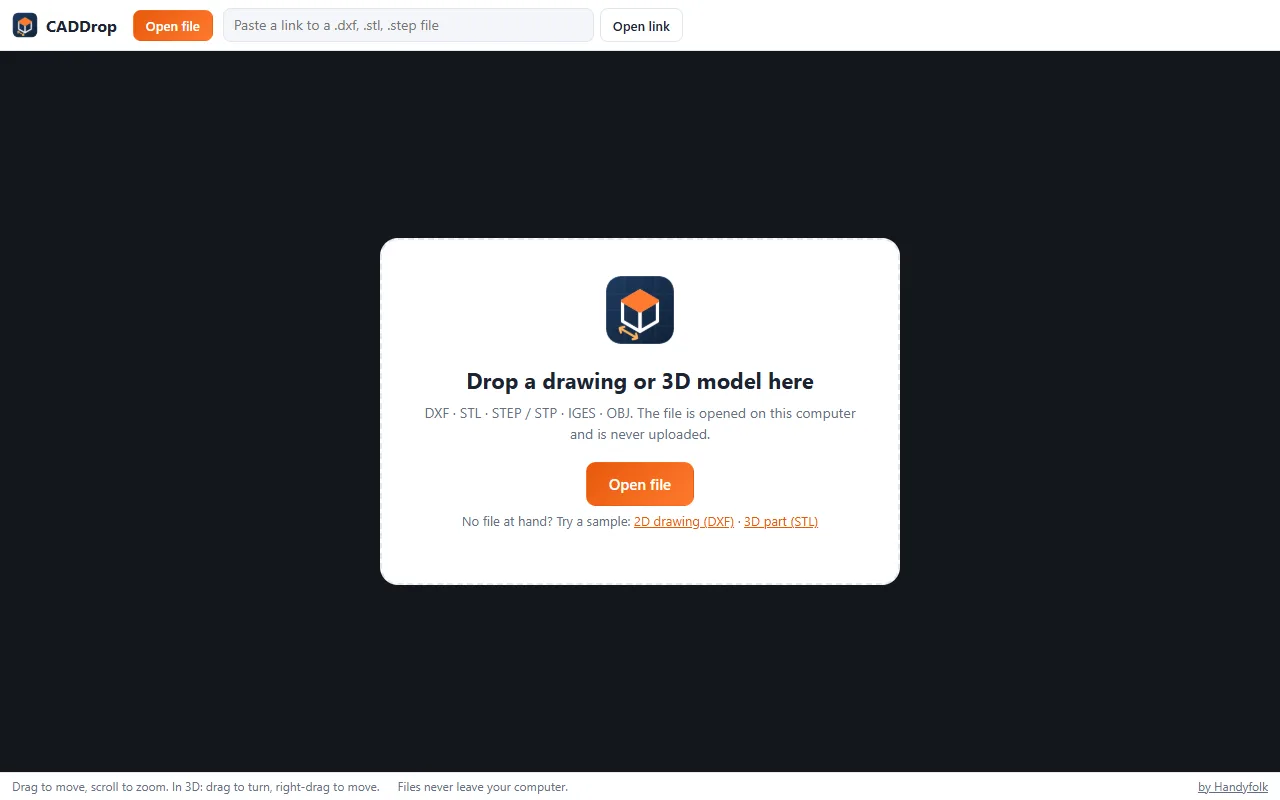
Open DXF drawings and STEP, STL, IGES and OBJ 3D models right in your browser. No CAD program, no sign-up and no upload: the file is opened on your computer and never leaves it.
 Get it for Chrome, free
 Get it for Edge
 Get it for Firefox
What it does
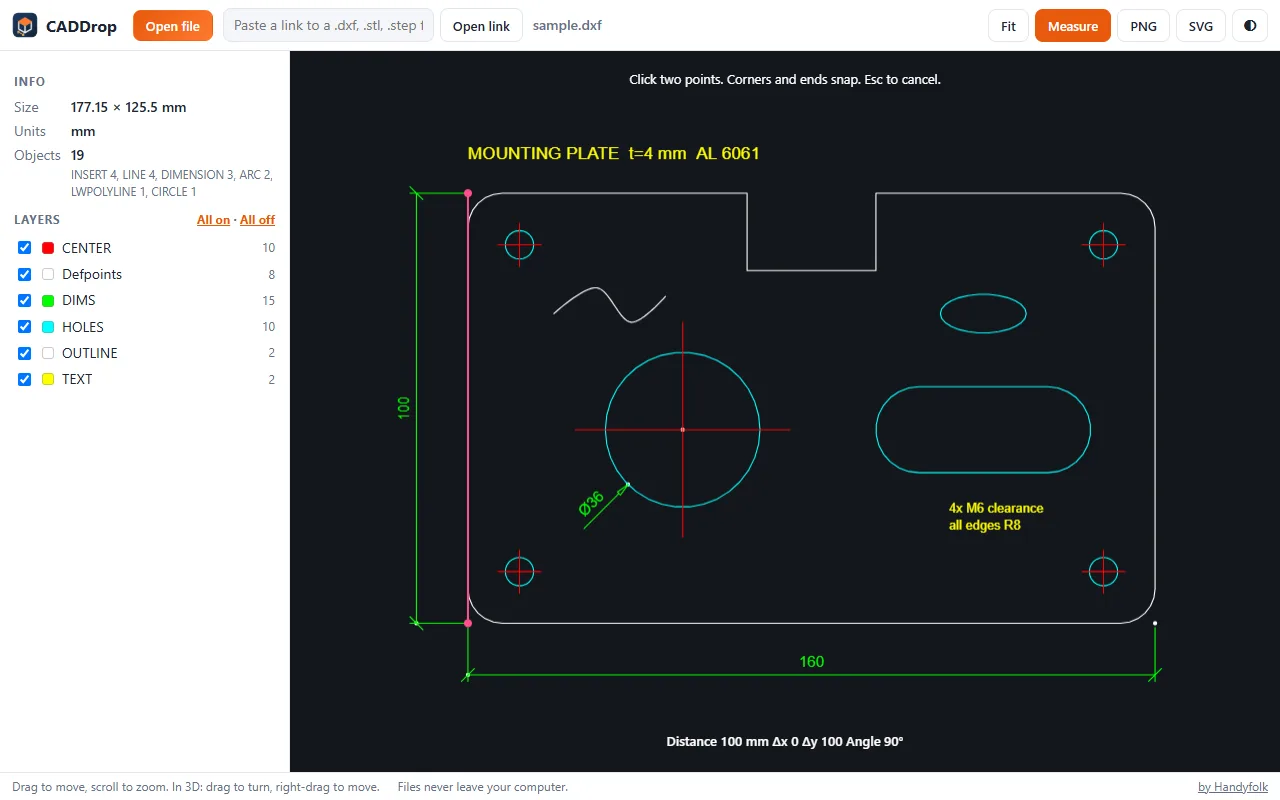
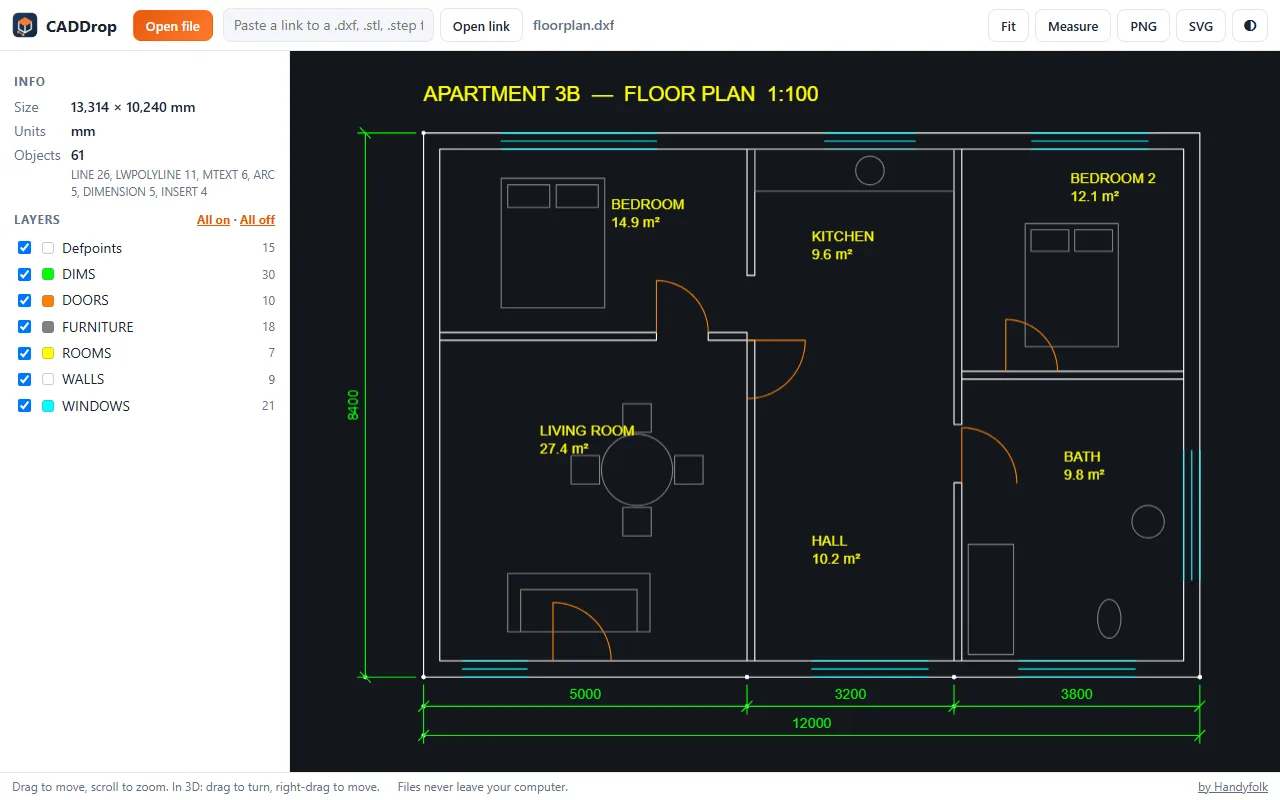
- DXF drawings. Layers with their colors, lines and arcs, circles, splines, text, blocks and dimensions, in the real units of the file. Switch any layer off.
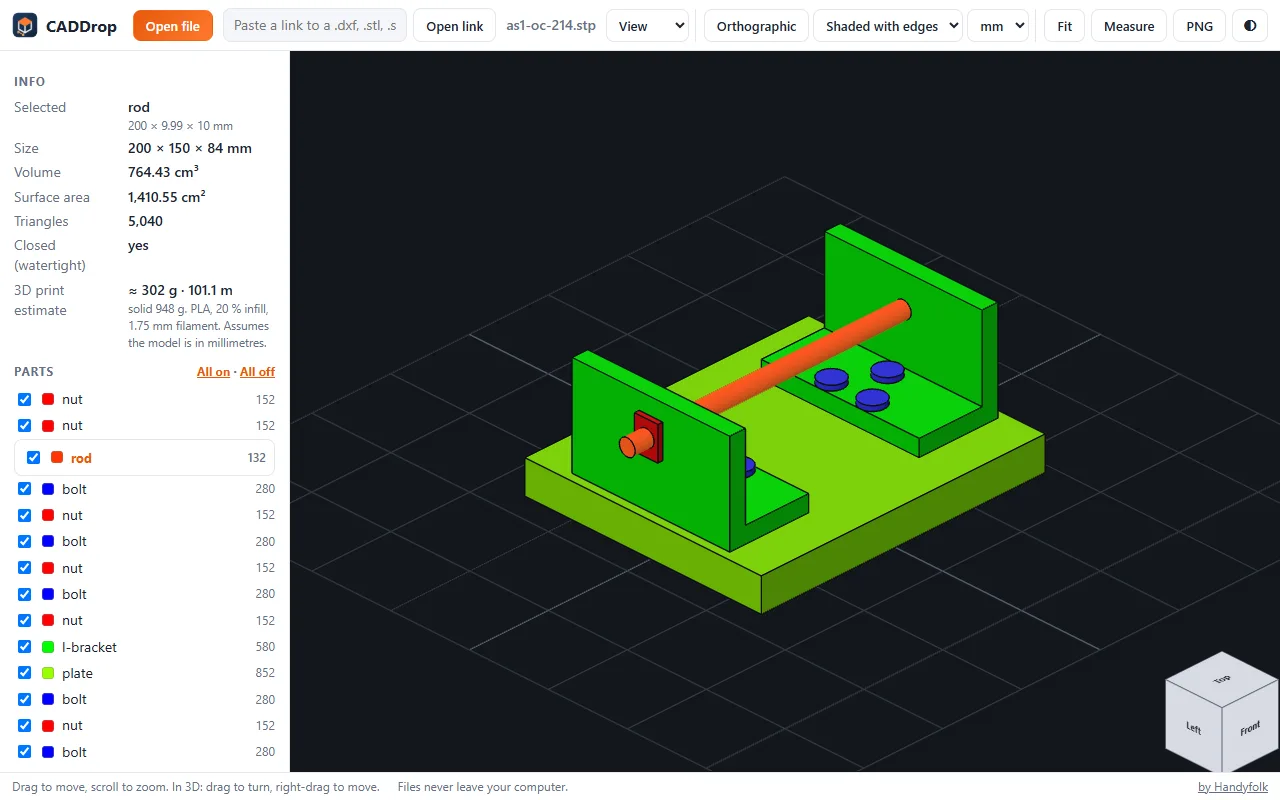
- STEP and IGES. Models and assemblies from SolidWorks, Fusion, Inventor, FreeCAD, Onshape and other CAD programs. Click a part to see its size, show only that part or hide any.
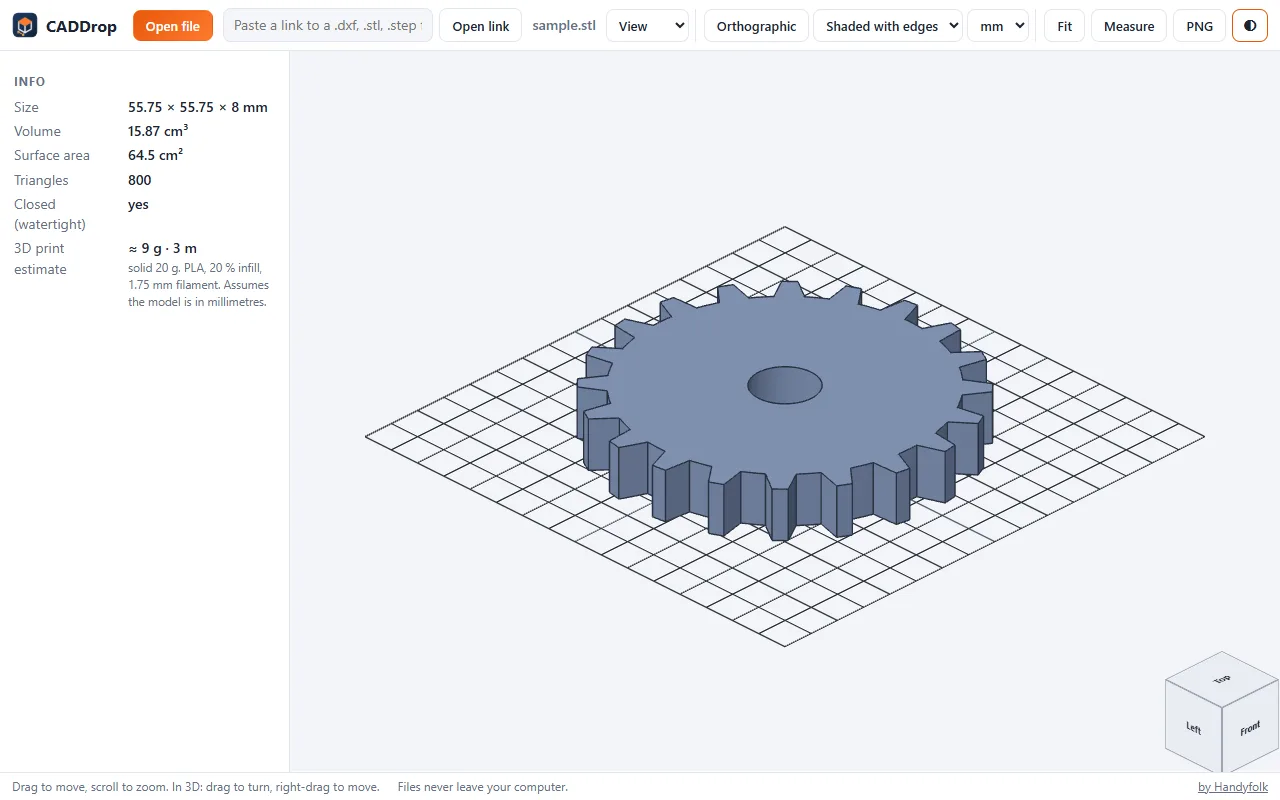
- STL and OBJ. Size, volume and surface area, a watertight check and a filament estimate for 3D printing.
- Measure. Distances and angles on drawings, with snapping to corners and ends. Distances between points on 3D models.
- Views. Orthographic or perspective, a view cube, top, front, right and other views; shaded with edges, shaded or wireframe; mm, cm, m or inches.
- Export. Save the view as PNG, or a drawing as a clean SVG.
- Open it your way. Drop a file, paste a link to a file, or right-click a link on any website and choose “Open with CADDrop”.
Private by design
Everything runs inside the extension. There are no servers, no accounts and no tracking. CADDrop asks for access to a website only when you open a link from it, and only for that site. Read the privacy policy.
Not supported yet
DWG files (most CAD programs can save a copy as DXF) and hatch fills in DXF drawings.
Questions or ideas: [email protected]