Apps / MagicSync

Browser extension
MagicSync
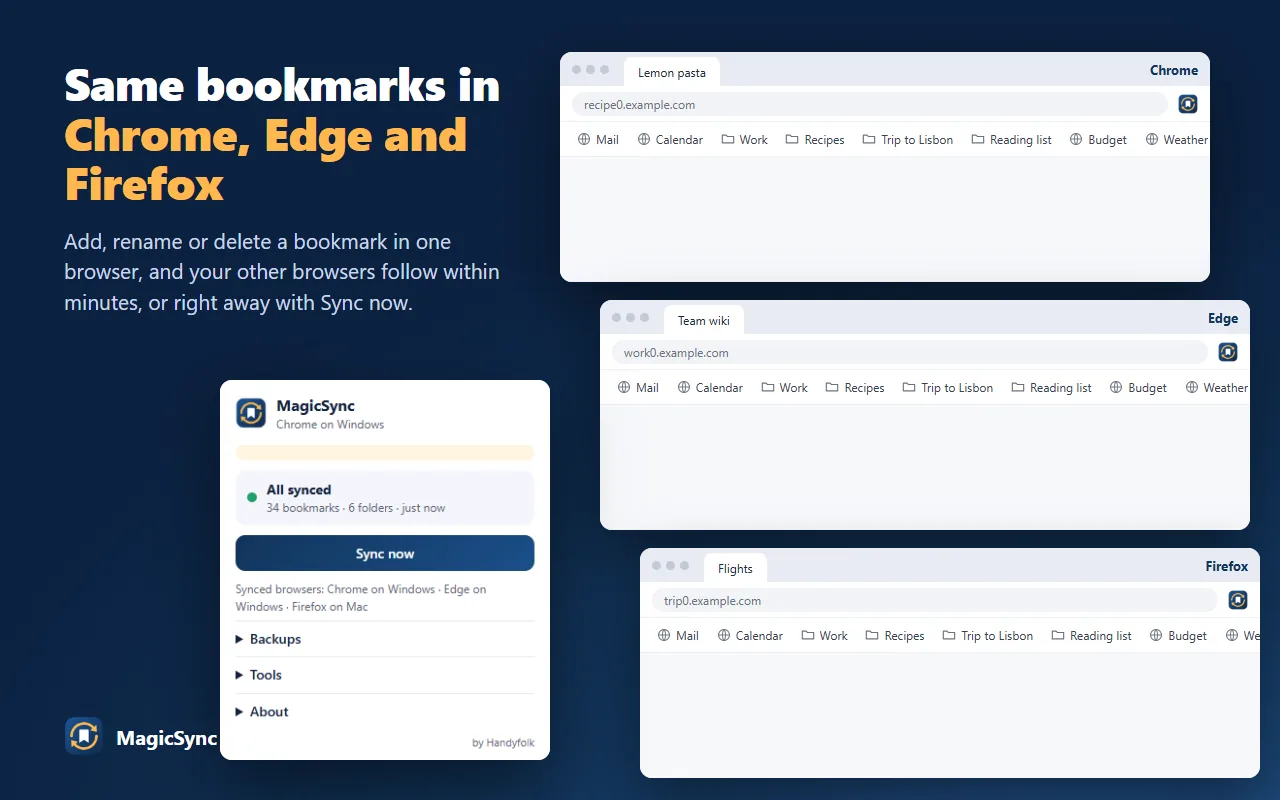
The same bookmarks in Chrome, Edge and Firefox. MagicSync keeps one copy of your bookmarks and favorites in your own Google Drive, brings every browser in line with it, and keeps a free backup every day.
 Get it for Chrome, free
 Get it for Edge
 Get it for Firefox
How it works
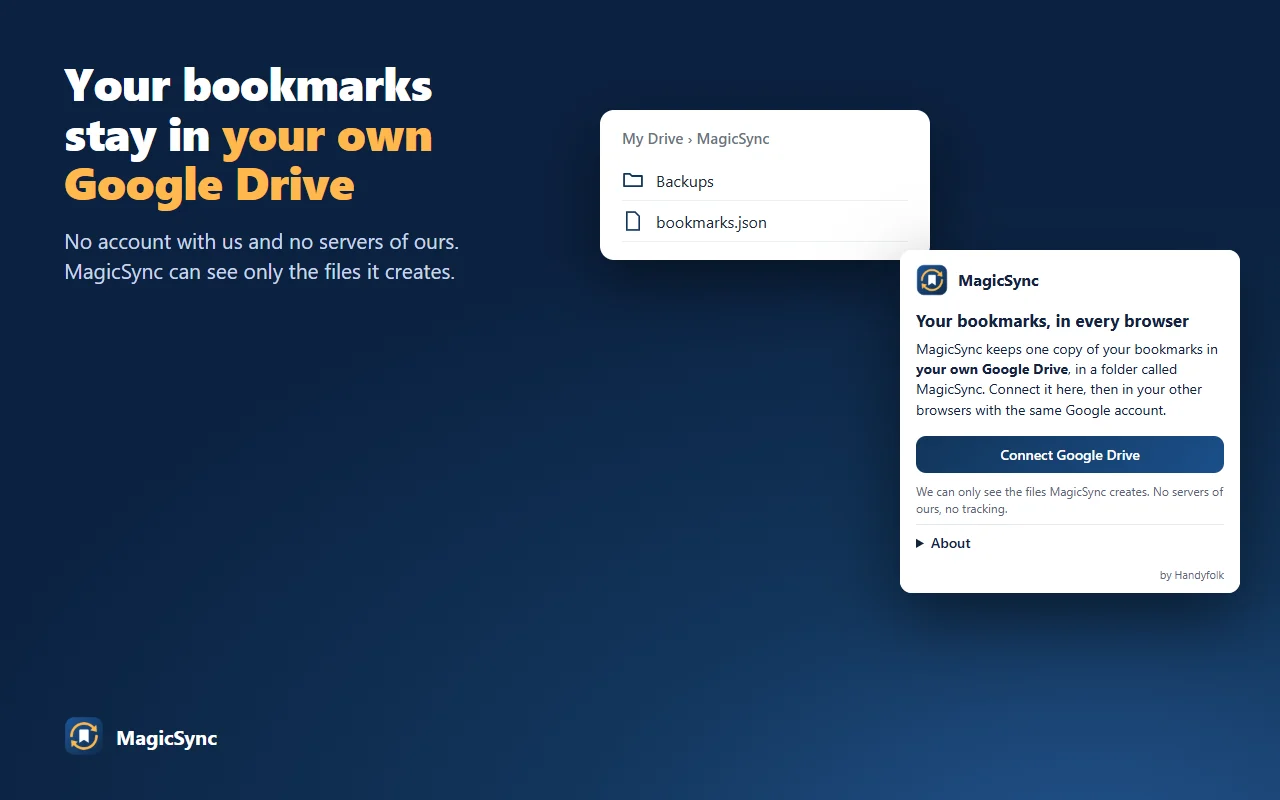
- Connect Google Drive. MagicSync makes a folder called MagicSync in your Drive and can see only the files it creates there.
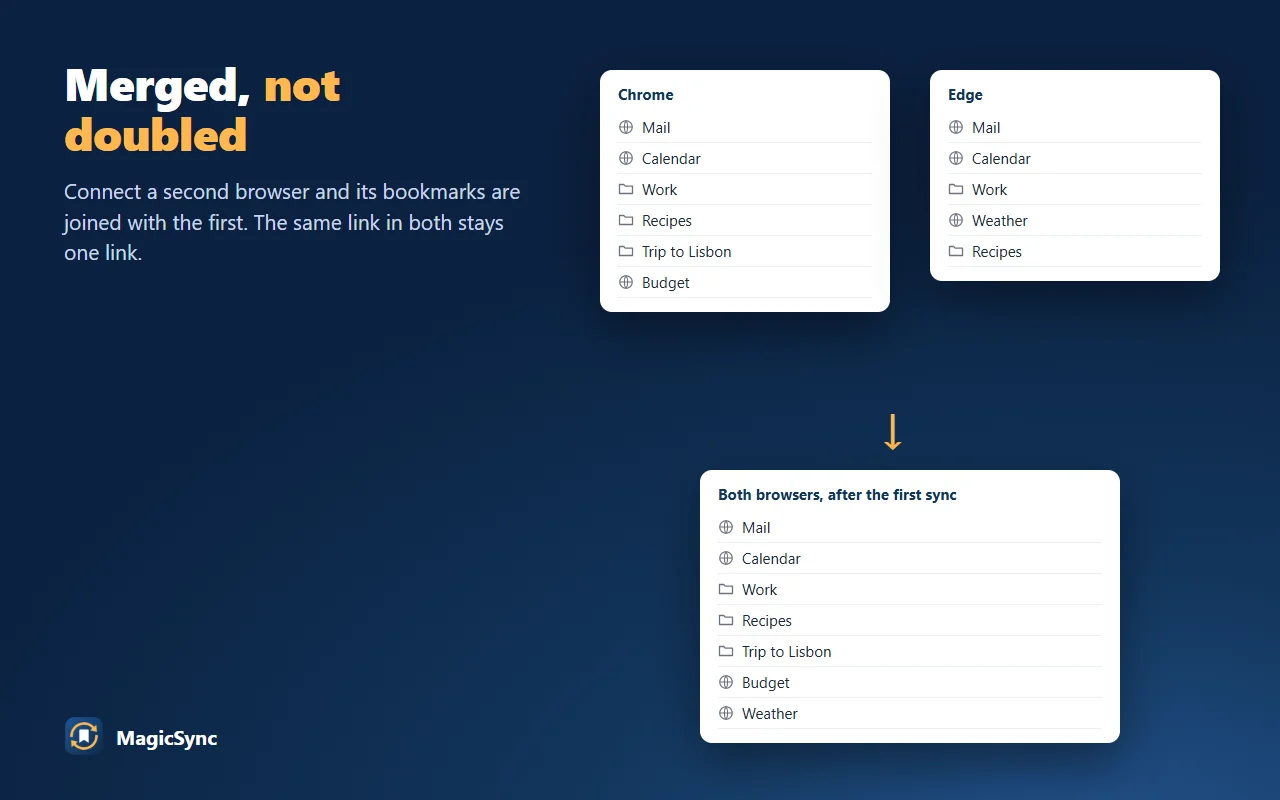
- Install MagicSync in your other browsers and connect the same Google account. Your bookmarks are merged, not doubled: the same link in two browsers stays one link.
- That’s it. Add, rename, move or delete a bookmark anywhere. It is saved to your Drive within seconds, and your other browsers follow when they start, every 10 minutes, or right away when you click Sync now.
Made for
- Anyone who uses Chrome at work and Firefox or Edge at home, or the other way round.
- People switching browsers who want to take their bookmarks along and keep both up to date.
- Developers and testers who keep several browsers open all day.
- Anyone who wants a daily backup of their bookmarks without thinking about it.
Safe by design
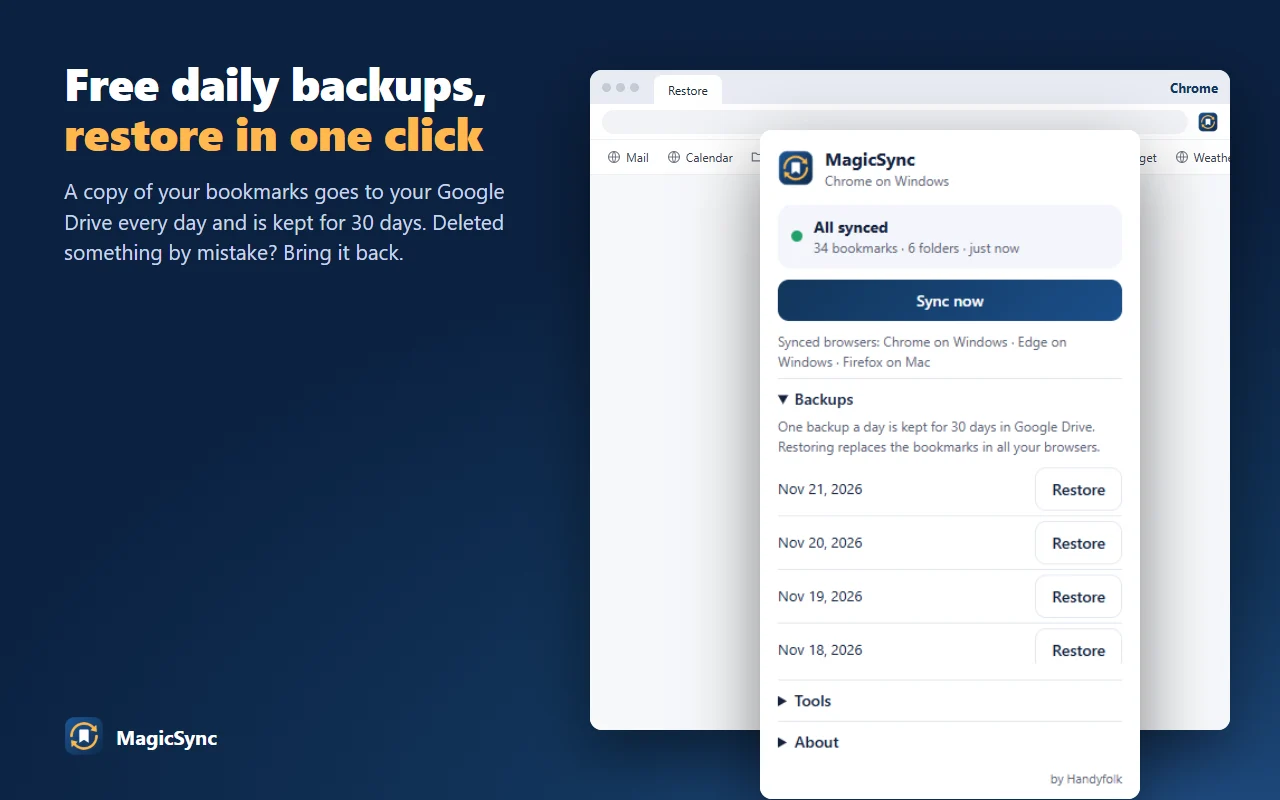
- Free daily backups. A copy goes to the Backups folder in your Drive every day and is kept for 30 days. Restoring one is free and takes one click.
- A copy before the first sync. Before MagicSync touches a browser for the first time, it saves that browser’s bookmarks, and you can download them as an HTML file any time.
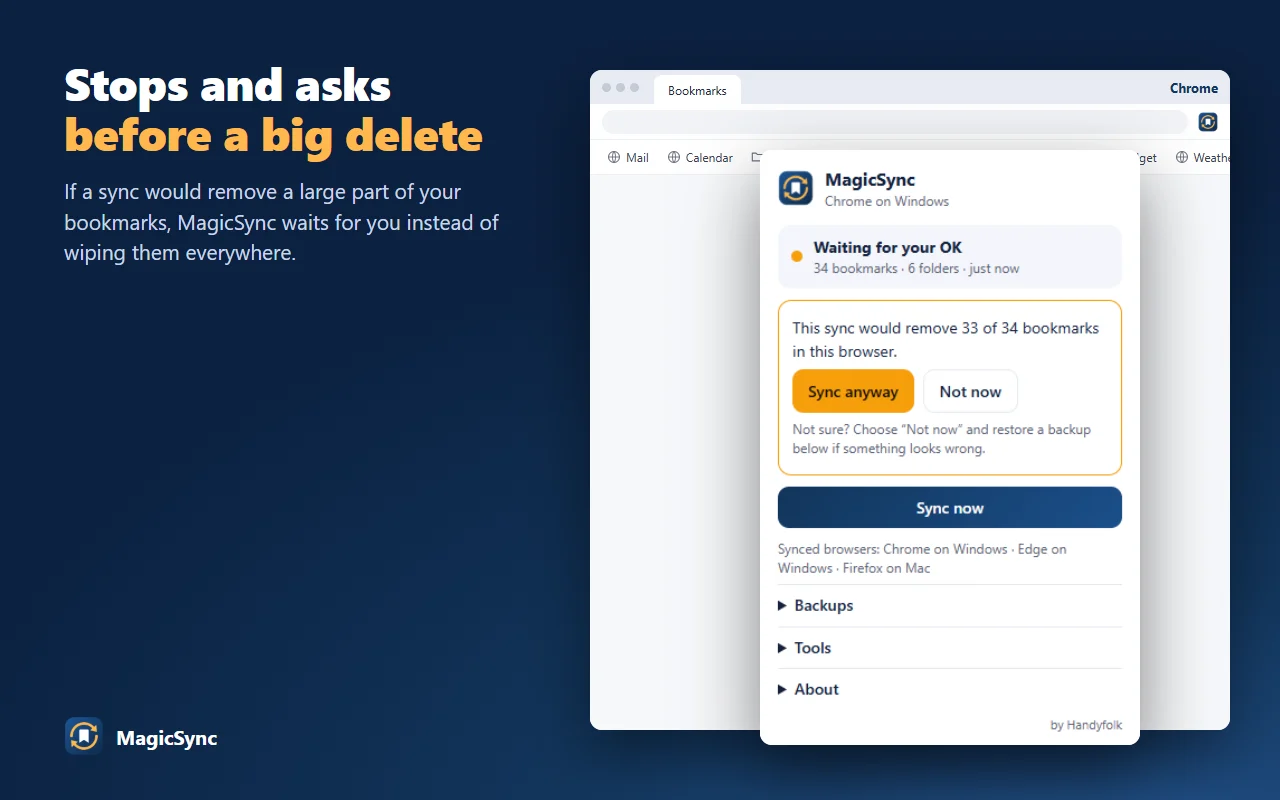
- Safety stop. If a sync would remove a large part of your bookmarks, MagicSync waits for your OK instead of wiping them everywhere.
- Each browser’s quirks handled. Bookmarks bar, Other bookmarks, Mobile bookmarks and the Firefox Bookmarks menu land in the right places. Separators and browser-only links are kept, not lost.
Handy extras
- Remove duplicate bookmarks left over from old imports, with one click.
- Download your bookmarks as an HTML file that any browser can import.
- See which browsers are synced, give each one a name, disconnect any time.
Private by design
No account with us and no servers of ours. Your bookmarks go only to your own Google Drive, and MagicSync can see only the files it creates there (Google’s drive.file access). No analytics, no ads, no tracking. Read the privacy policy and terms of service.
Questions or ideas: [email protected]