PubDrop: open .pub files, save as PDF
Open Microsoft Publisher (.pub) files right in your browser and turn them into PDF in one click. No Publisher, no upload, no sign-up: the file is opened on your computer and never leaves it.
Free, no account. Microsoft Edge and Firefox versions are on their way to the stores; for Chrome, download and install in a minute. Get it for Chrome, free
Why you might need it
Microsoft retired Publisher in October 2026, and Word, PowerPoint and Canva can’t open .pub files. Schools, churches, clubs and small businesses still have years of newsletters, flyers, brochures, menus, certificates and cards saved as .pub. PubDrop shows them again and saves them as PDF, so you can print, share or keep them.
What you can do
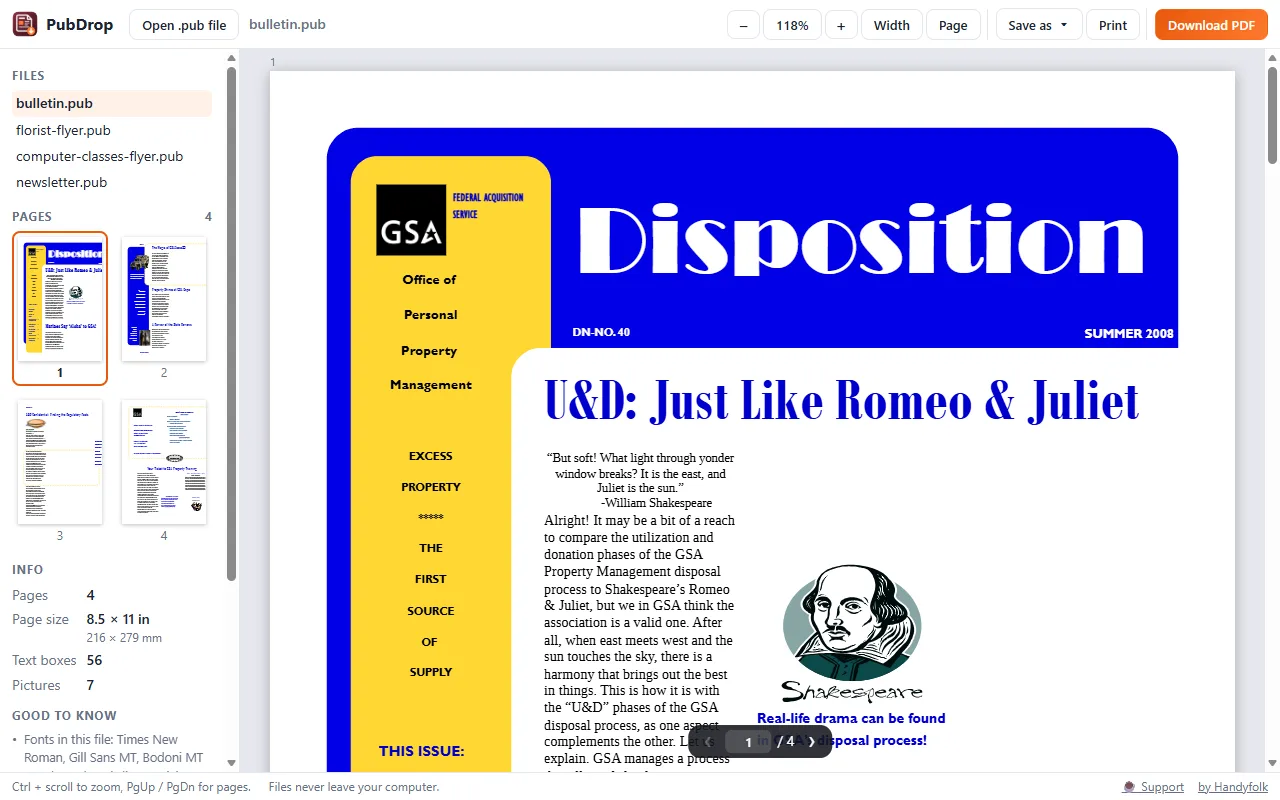
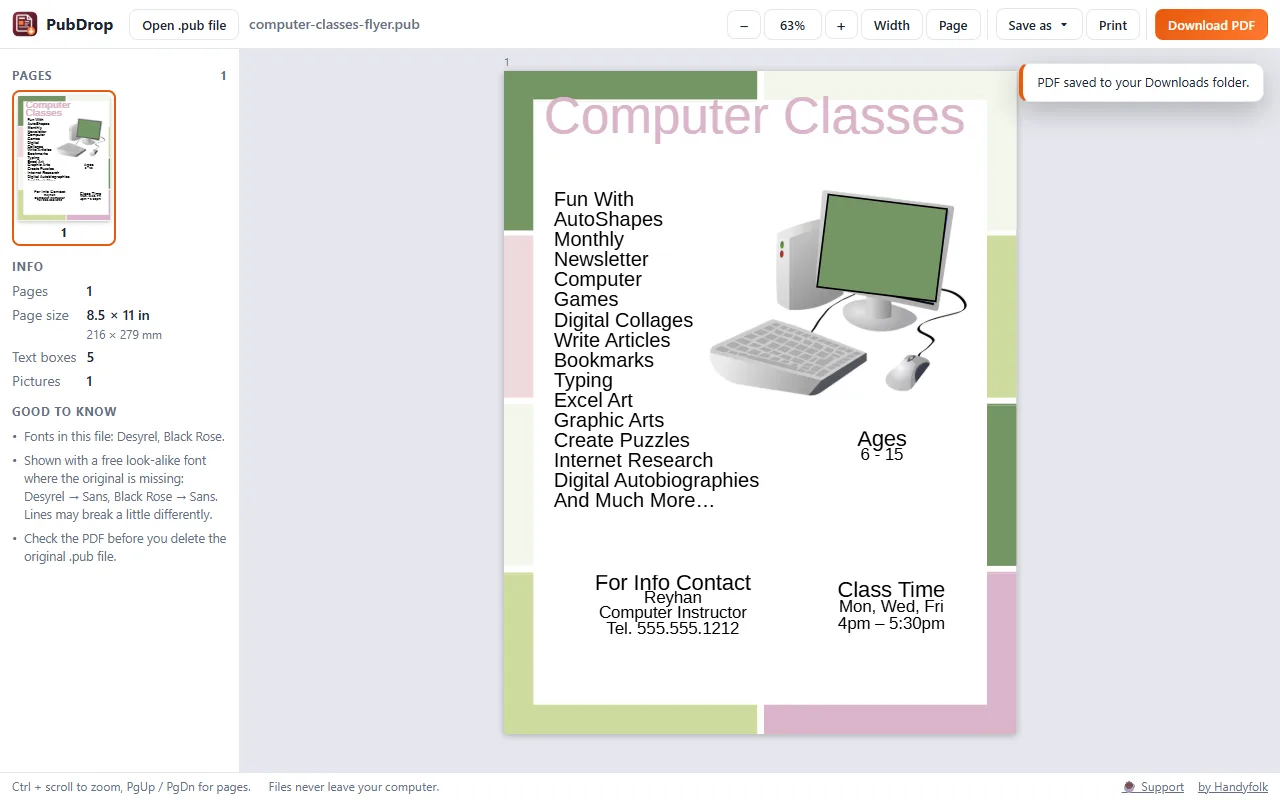
- Convert PUB to PDF with one button: all pages, with real text you can select and search, pictures and shapes kept.
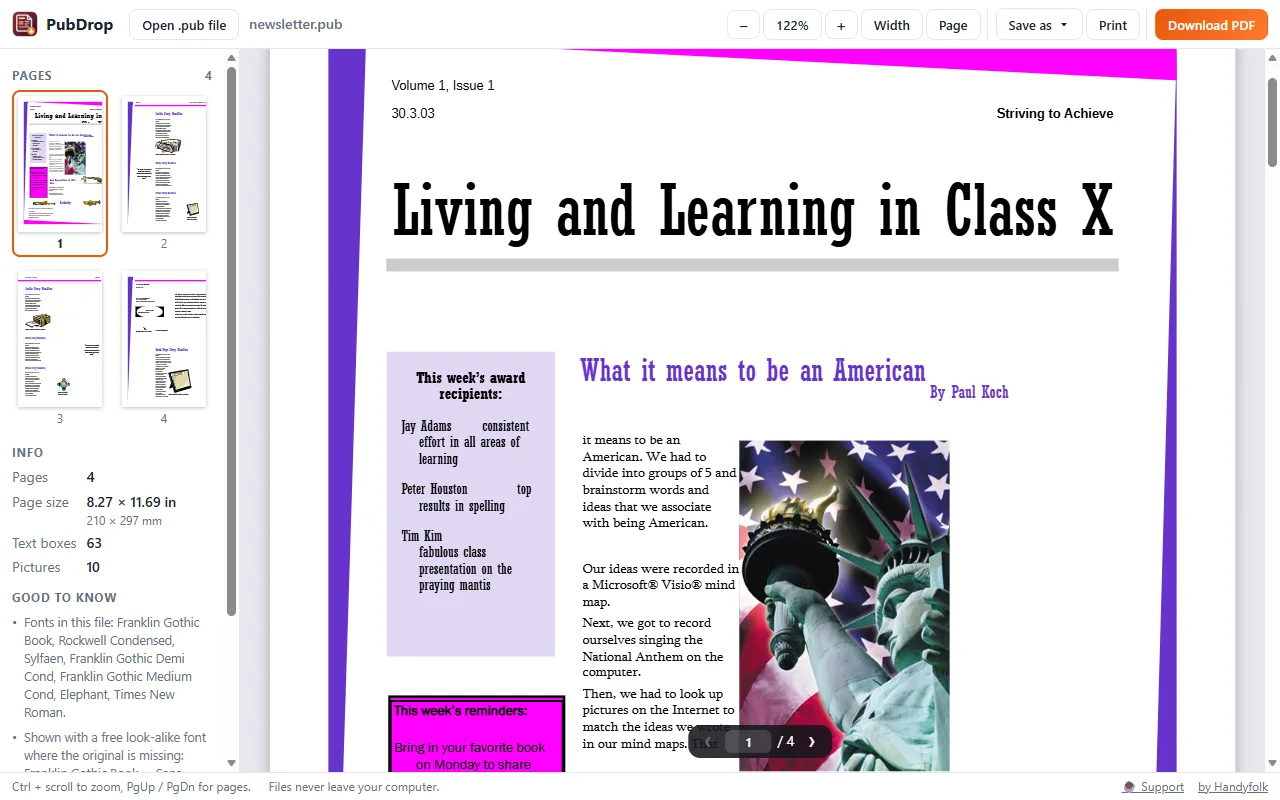
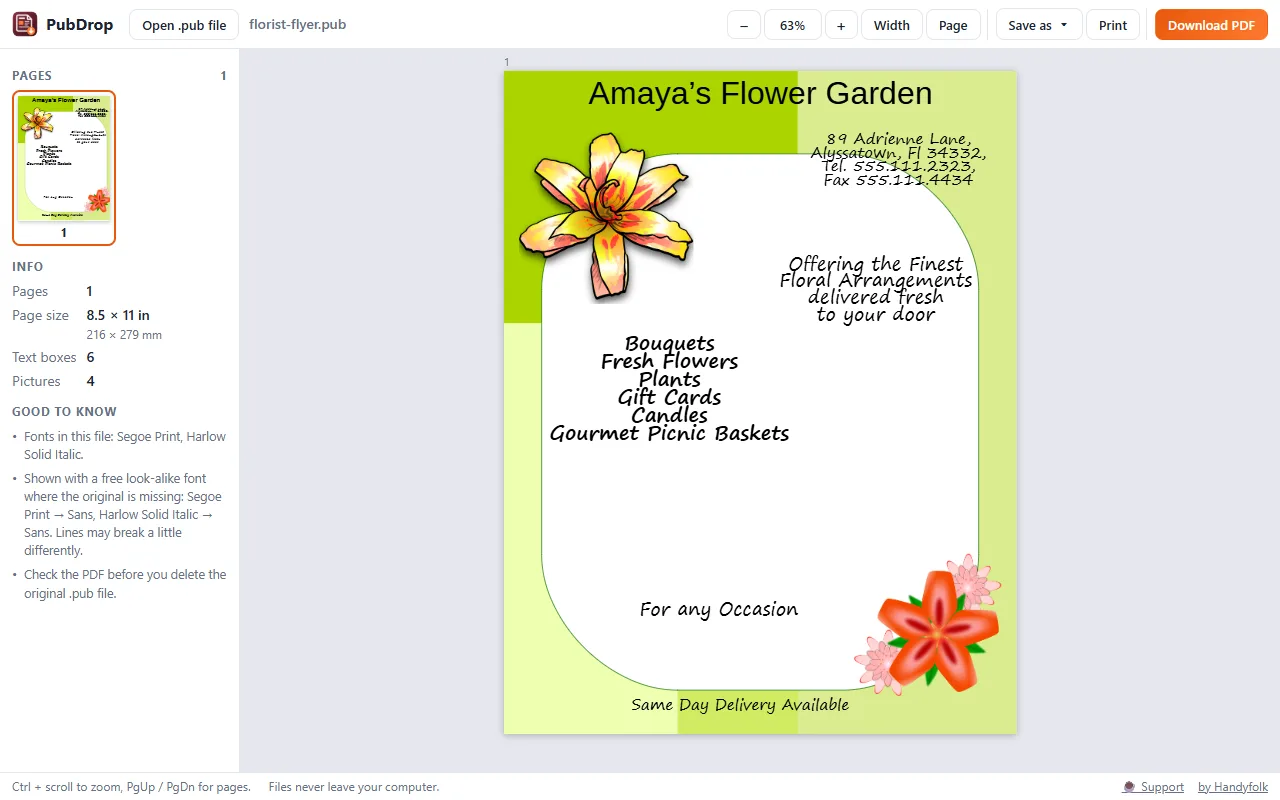
- View every page with thumbnails, zoom, fit to width or to the page.
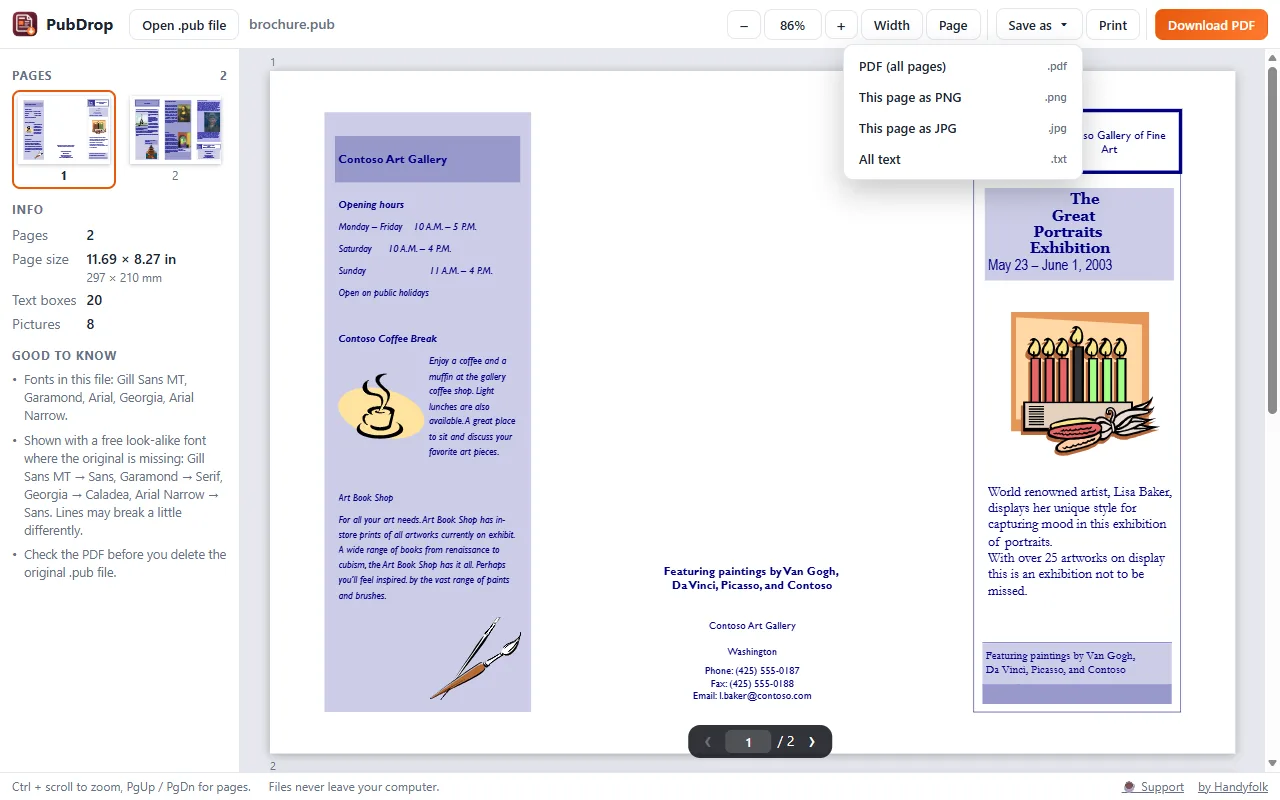
- Save a page as PNG or JPG, or copy all the text out as a .txt file.
- Print with the right page size.
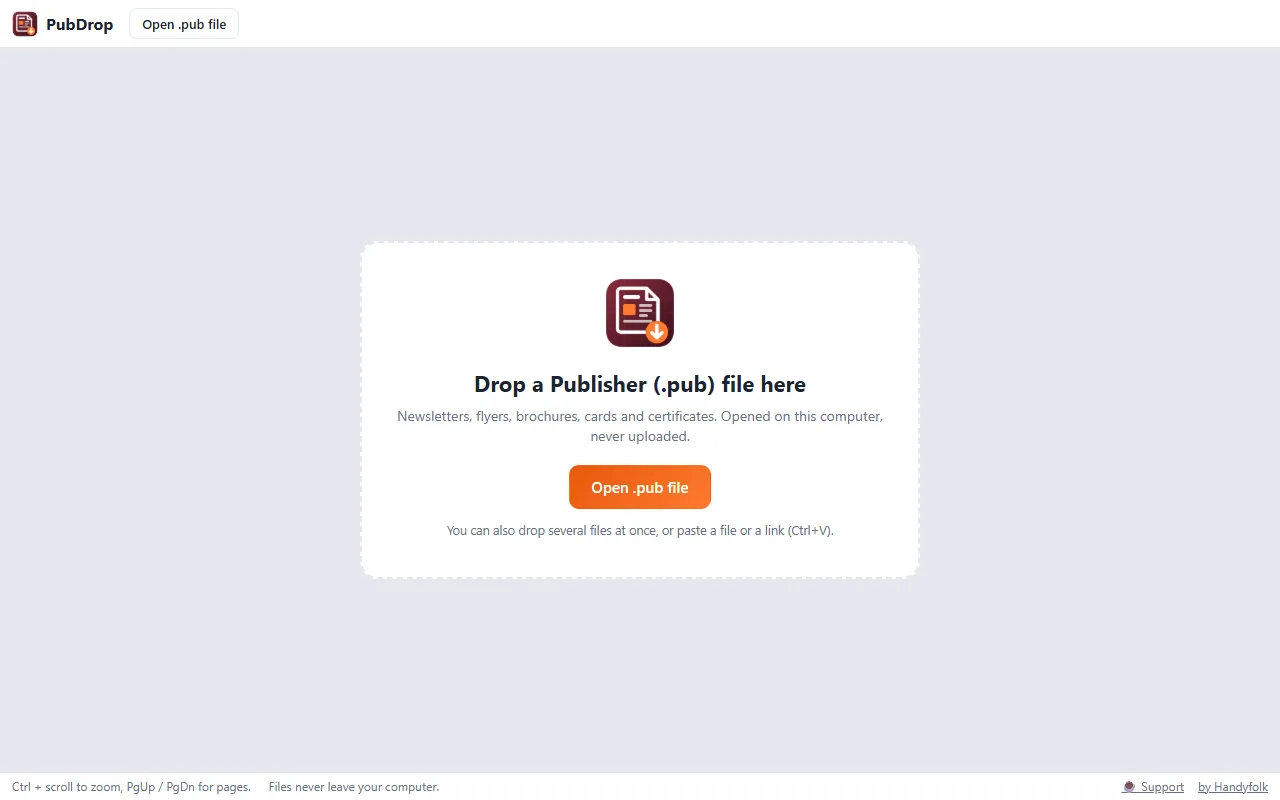
- Open any way you like: drop files, paste a file or a link, or right-click a link to a .pub file and choose “Open with PubDrop”. Open several files and switch between them.
Good to know
- Works with files from Publisher 98 to Publisher 365 / 2021. Publisher 2.0 files from 1993 can’t be read.
- Fonts that aren’t on your computer are replaced with free look-alikes. Calibri, Cambria, Arial, Times New Roman and Courier New have exact matches; with other fonts a line may break a little differently. WordArt may look different.
- Check the PDF before you delete the original .pub file.
Private by design
The file is read inside the extension, on your computer. There are no servers, no accounts and no tracking, and it works offline. PubDrop asks for access to a website only when you open a link from it, and only for that site. Read the privacy policy.
Questions, or a file that doesn’t look right: [email protected]
Microsoft and Publisher are trademarks of Microsoft Corporation. PubDrop is not made by or connected with Microsoft.