
SessionPath
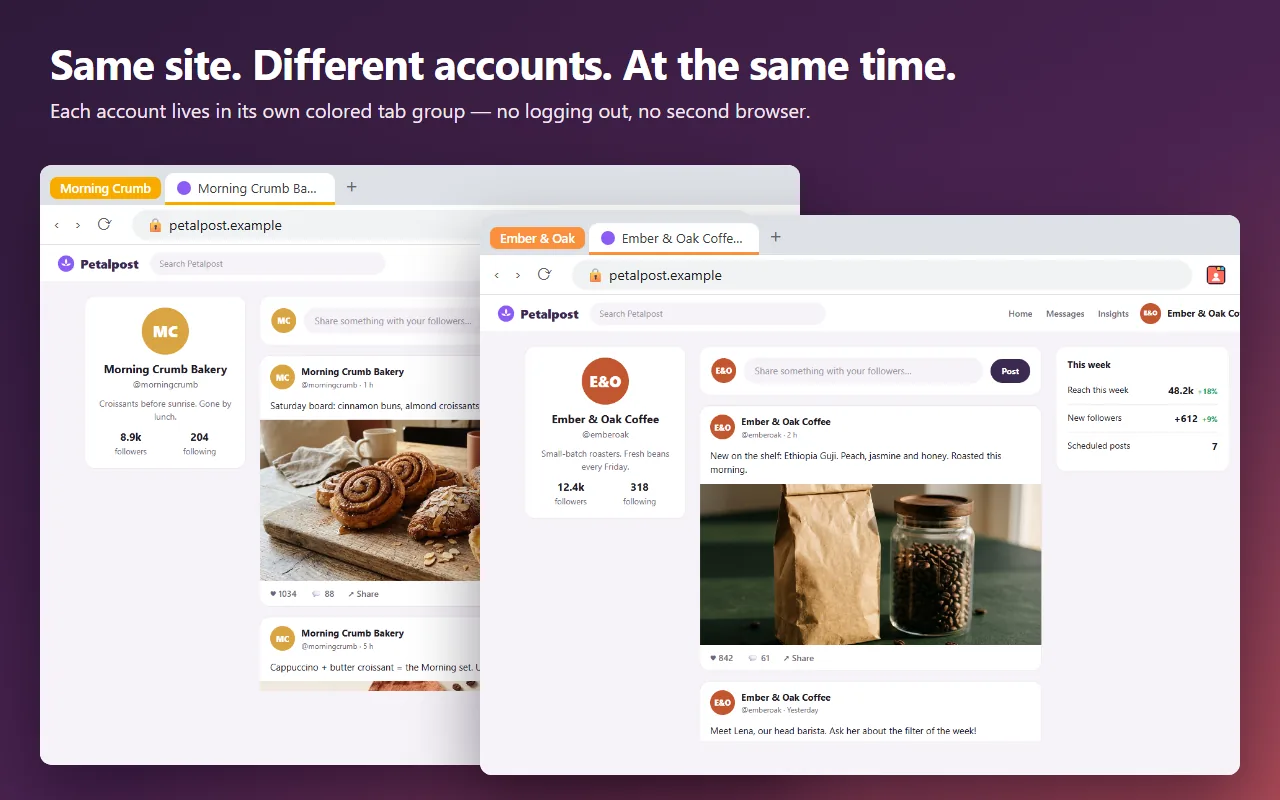
Separate tabs. Same sites. Different accounts. Stay logged in to several accounts of the same website at once, side by side in one window.
Coming soon to Microsoft Edge. Free, no account.How it works
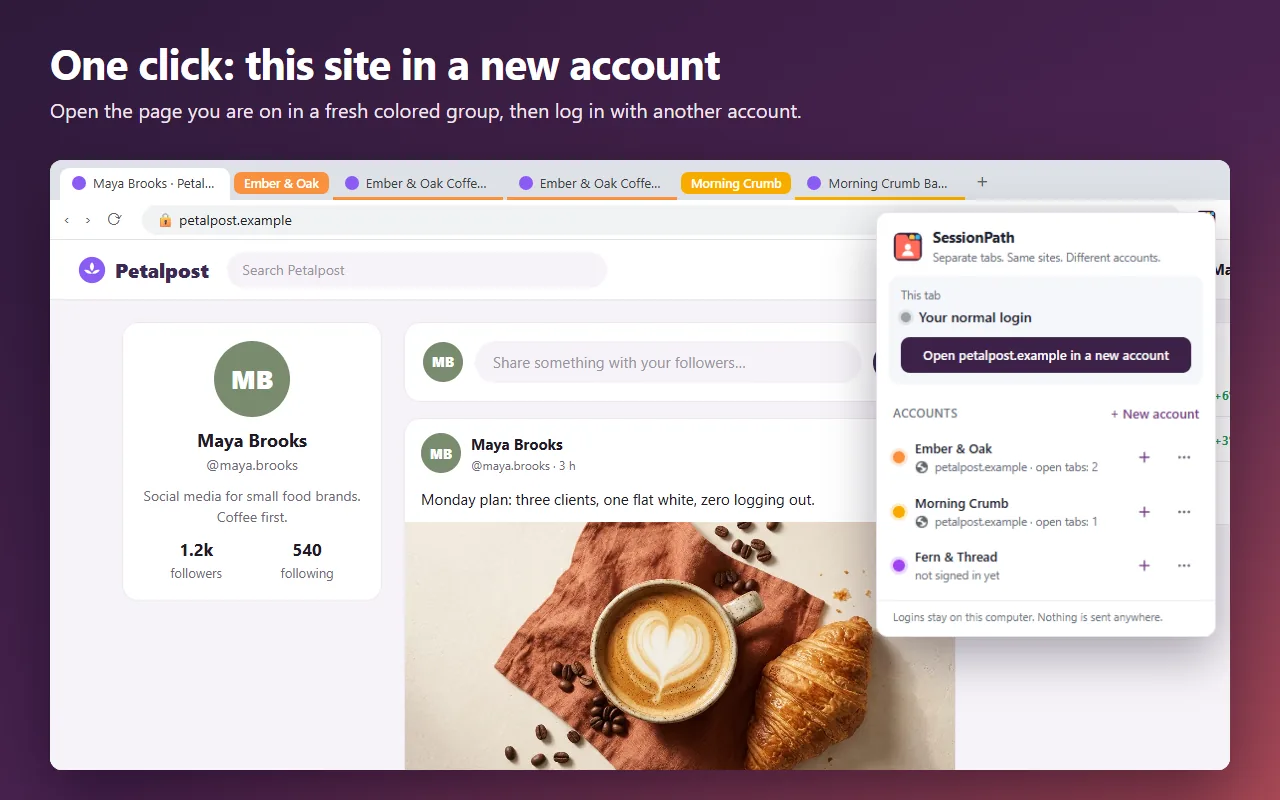
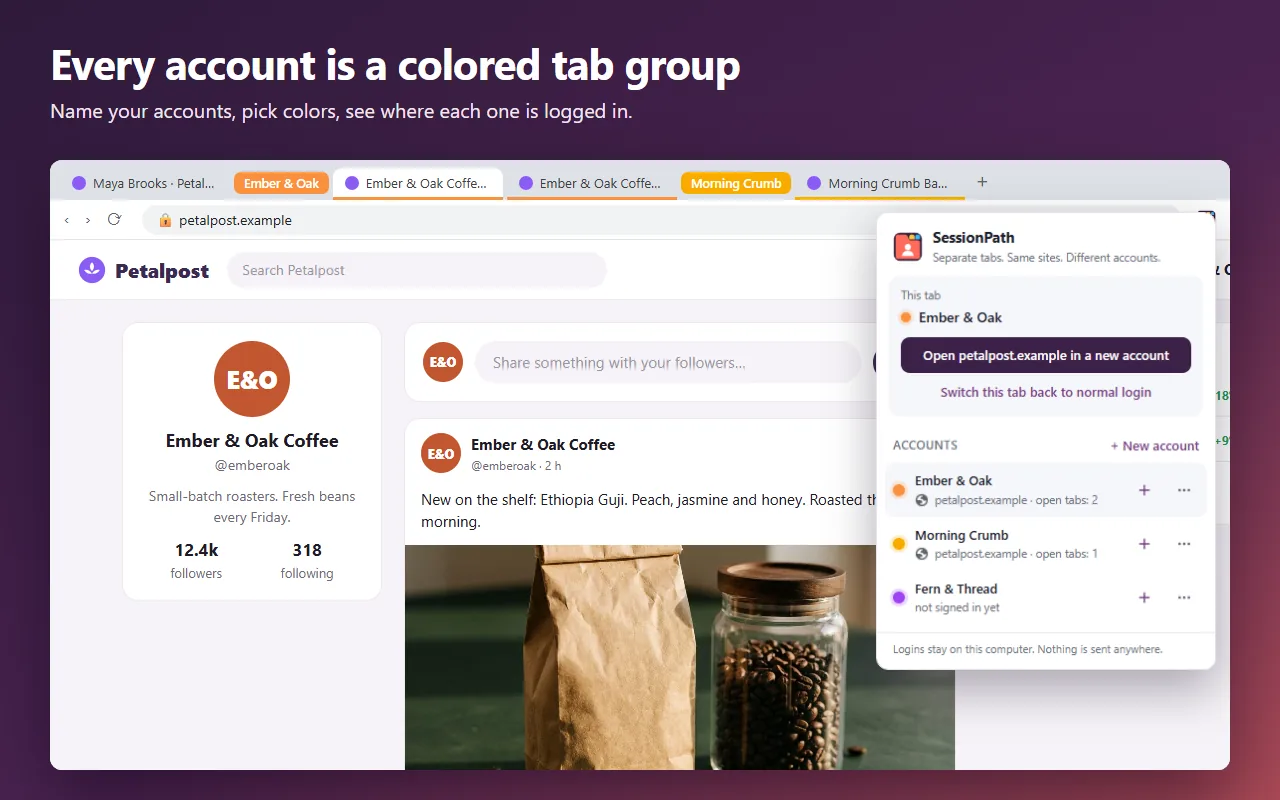
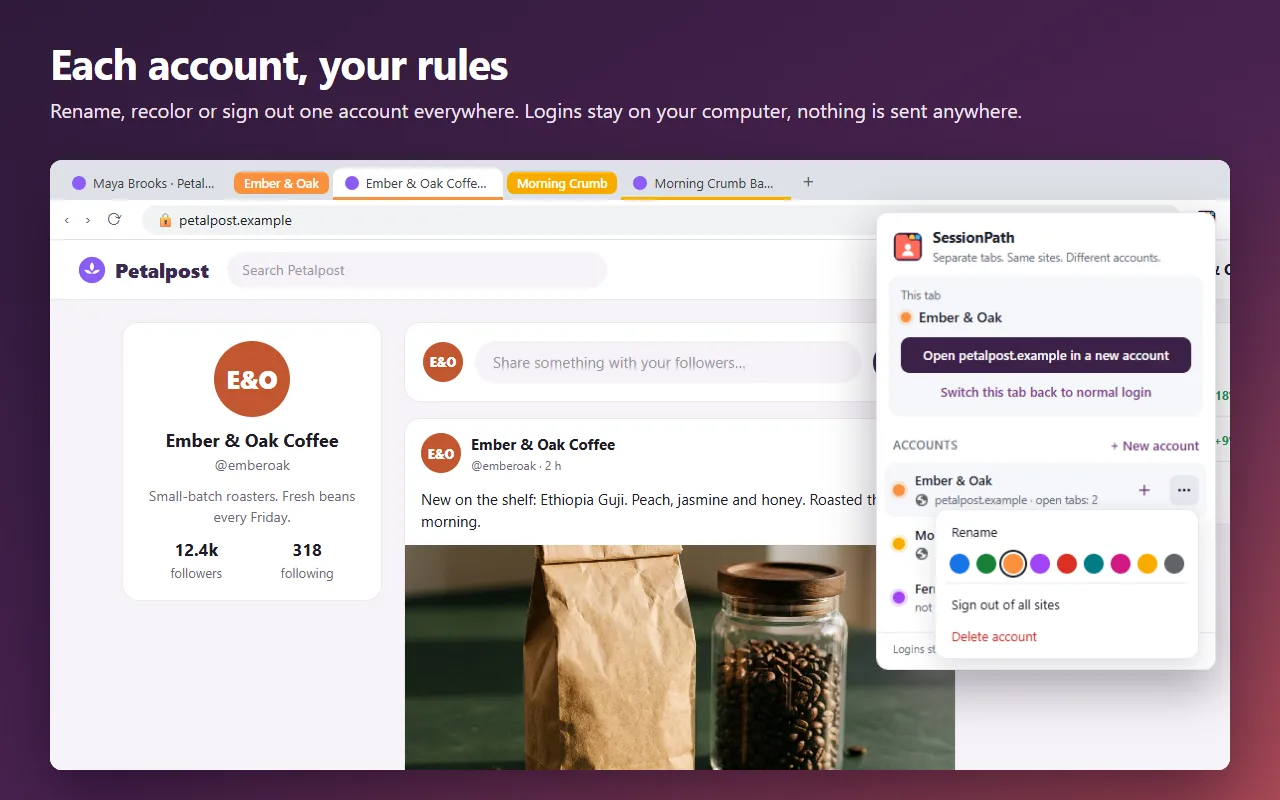
- Create an account such as “Work”, “Personal” or “Client A”. It gets its own colored tab group.
- Log in to any site inside that group. The login stays in the group.
- Open the same site in another group and log in with a different account. Both stay logged in at the same time, and both survive a browser restart.
No second browser, no Chrome profiles, no incognito windows, no logging out and back in. On any page, one click on “Open this site in a new account” gives you a fresh group for a second login.
Made for
- Personal and work accounts of the same service, open next to each other.
- Agencies and freelancers who run social media, shops or ads for several clients.
- Online sellers with more than one store or marketplace account.
- Developers and testers who need several test users at once.
Handy extras
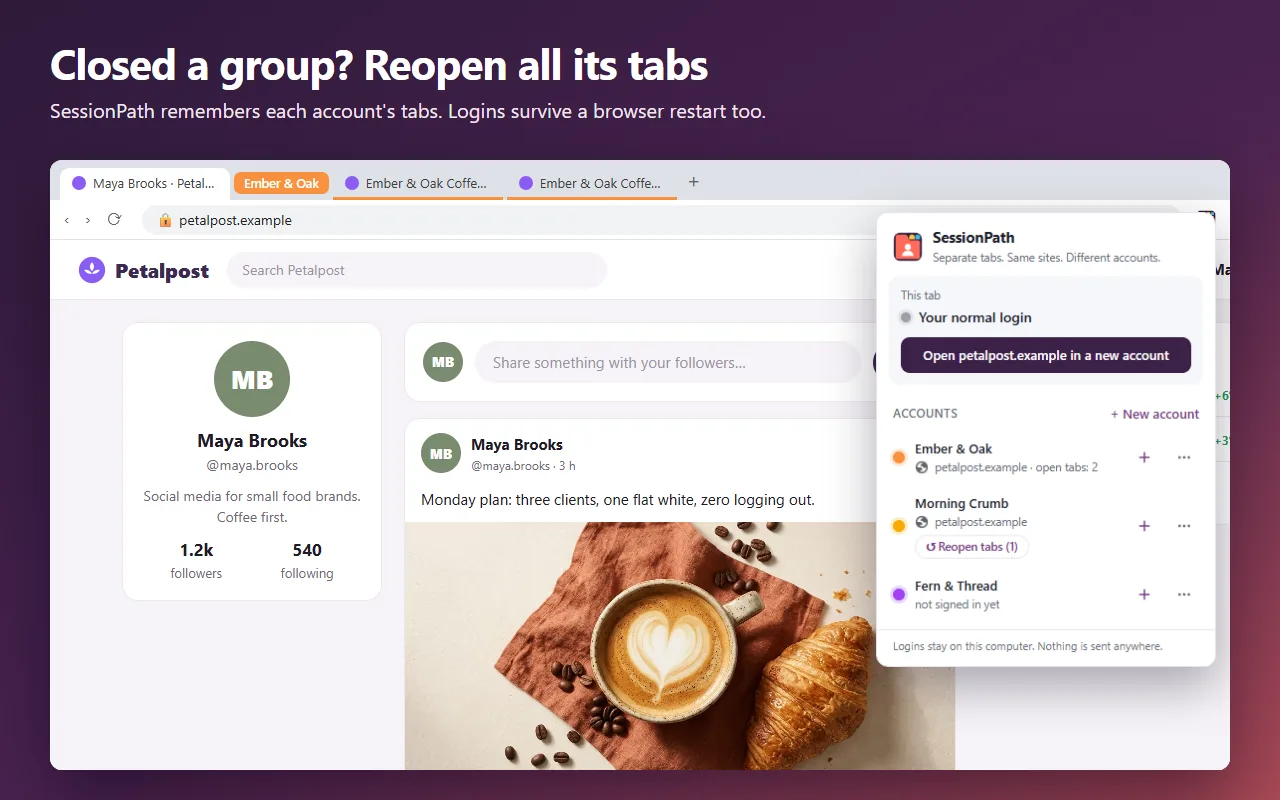
- Reopen tabs. Closed an account’s group? Reopen all its tabs with one click.
- Links stay in the account. Pages you open from a tab open in the same account.
- Sign out of one account on all sites, without touching the others.
- Rename accounts, pick their colors, move a tab in or out of an account. Light and dark theme.
Private by design
SessionPath has no servers and no accounts. Your logins are kept only in your browser on this computer and are never sent anywhere. No analytics, no ads, no tracking. Read the privacy policy.
Good to know
SessionPath keeps logins and site storage apart. It does not hide your IP address or change your browser fingerprint, and it is not a tool for getting around the rules of a website. On sites you use inside SessionPath accounts, the site’s offline mode and notifications are turned off so that accounts cannot leak into each other.
Questions or ideas: [email protected]