
SiteSniff
See what any website is built on in one click: the CMS or shop platform and its version, the WordPress theme and plugins, the Shopify theme, and whether the site is out of date.
 Get it for Chrome, free
 Get it for Edge
What it shows
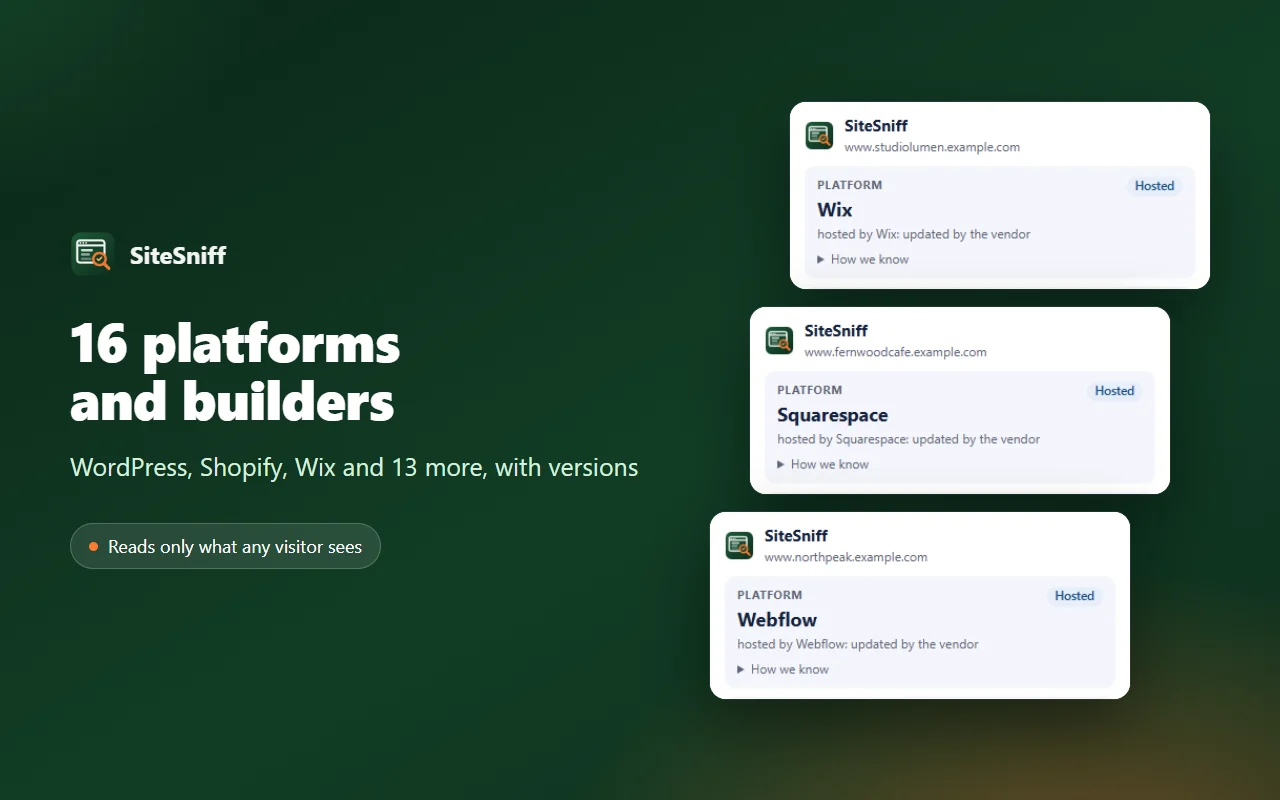
- The platform. 16 in total: content systems like WordPress, Joomla and Drupal, shop engines like Magento and WooCommerce, and hosted builders like Shopify, Wix and Squarespace.
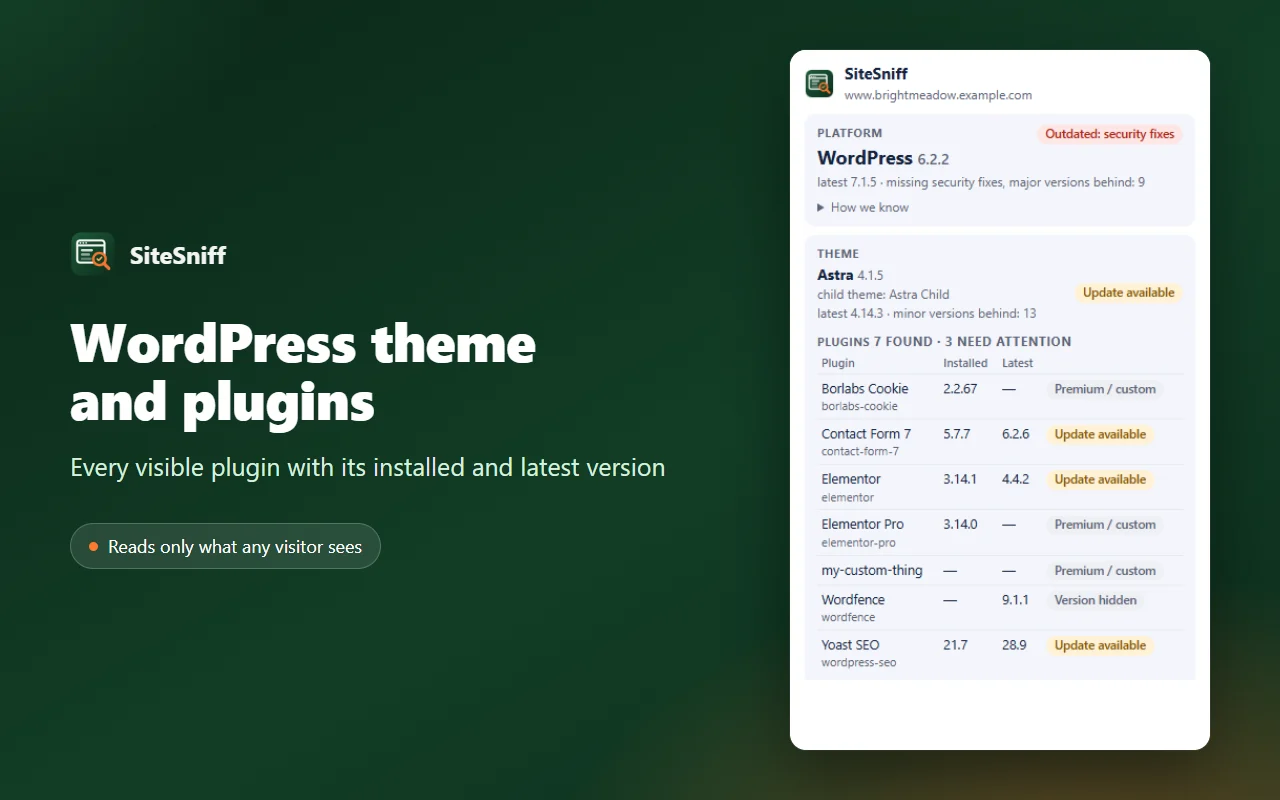
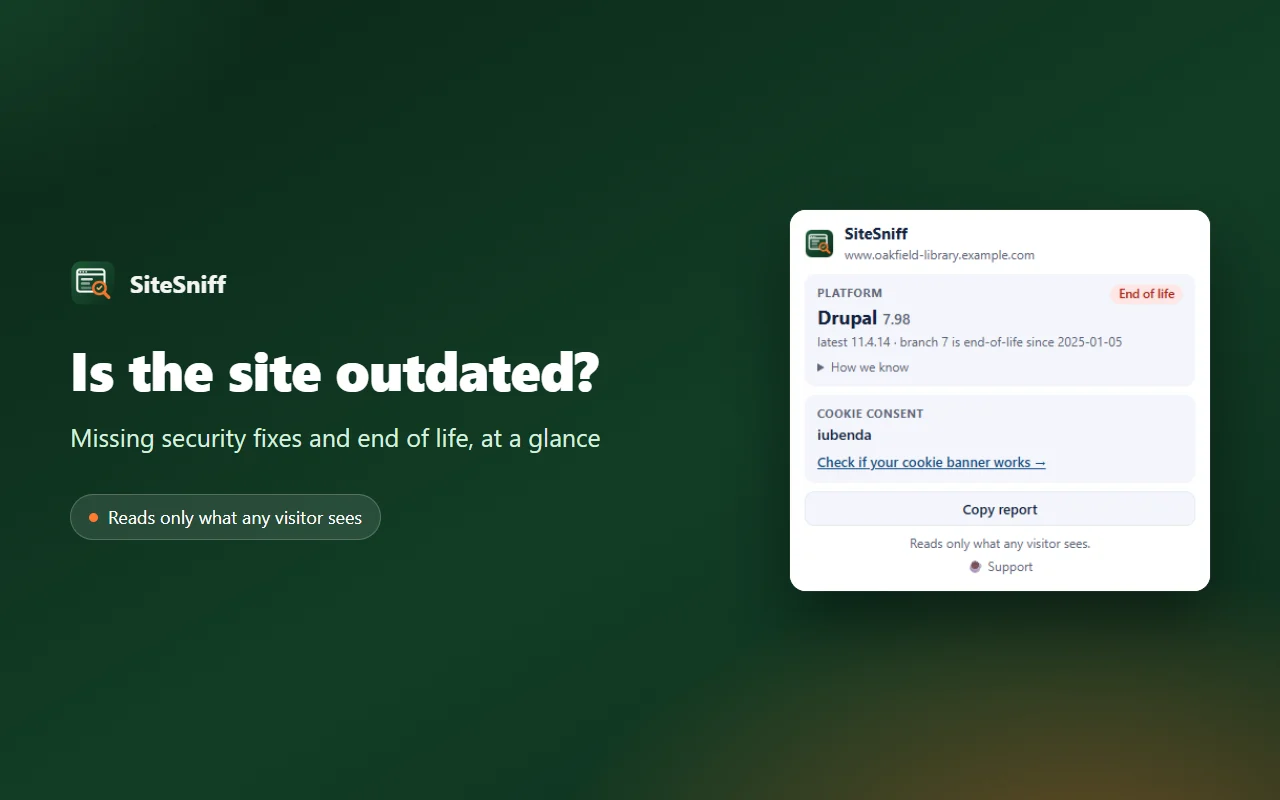
- The version, and whether it is outdated. The installed version is compared with the latest release, with a plain verdict: up to date, update available, missing security fixes, or end of life.
- The WordPress theme and plugins. Theme name and version, the child theme, and every plugin visible in the page with its installed and latest version. Premium and custom plugins are marked.
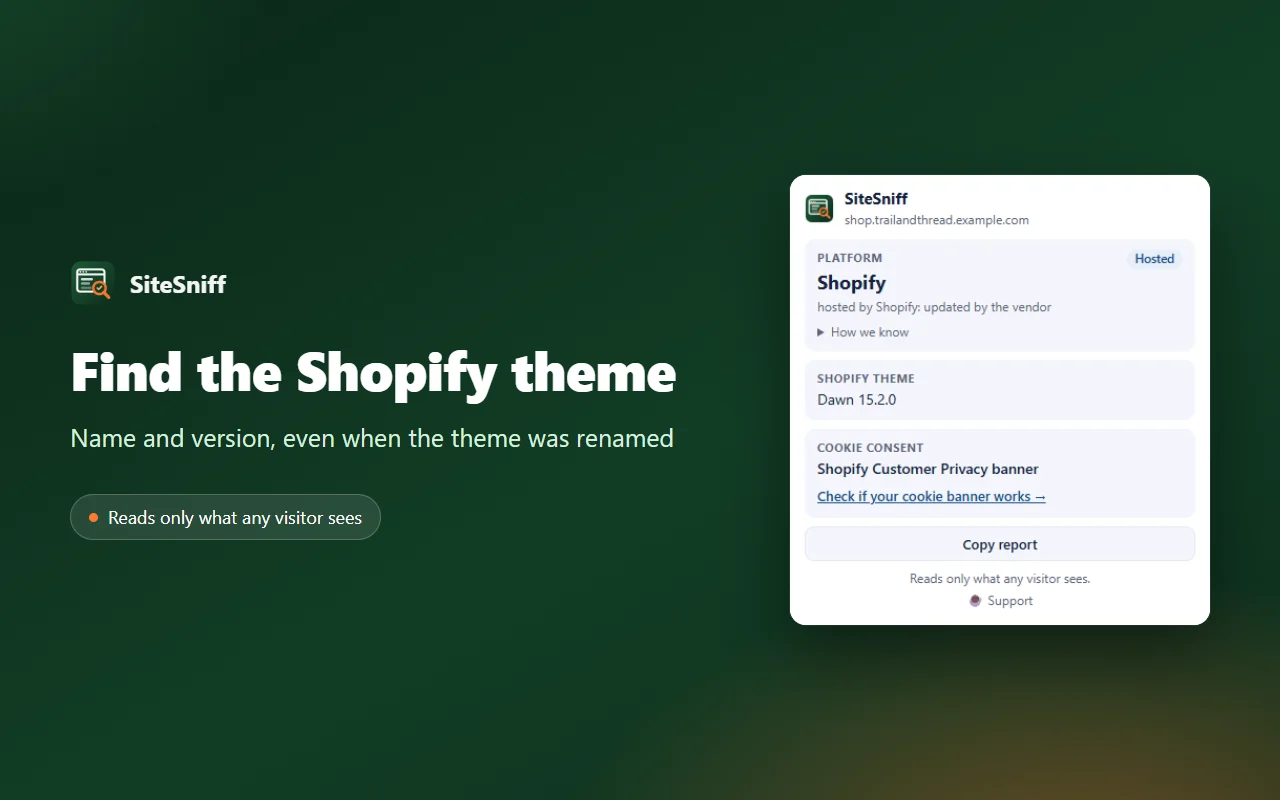
- The Shopify theme. Name and version, also when the store renamed its theme.
- The cookie consent tool. Which consent banner the site uses; more than 25 tools are recognised.
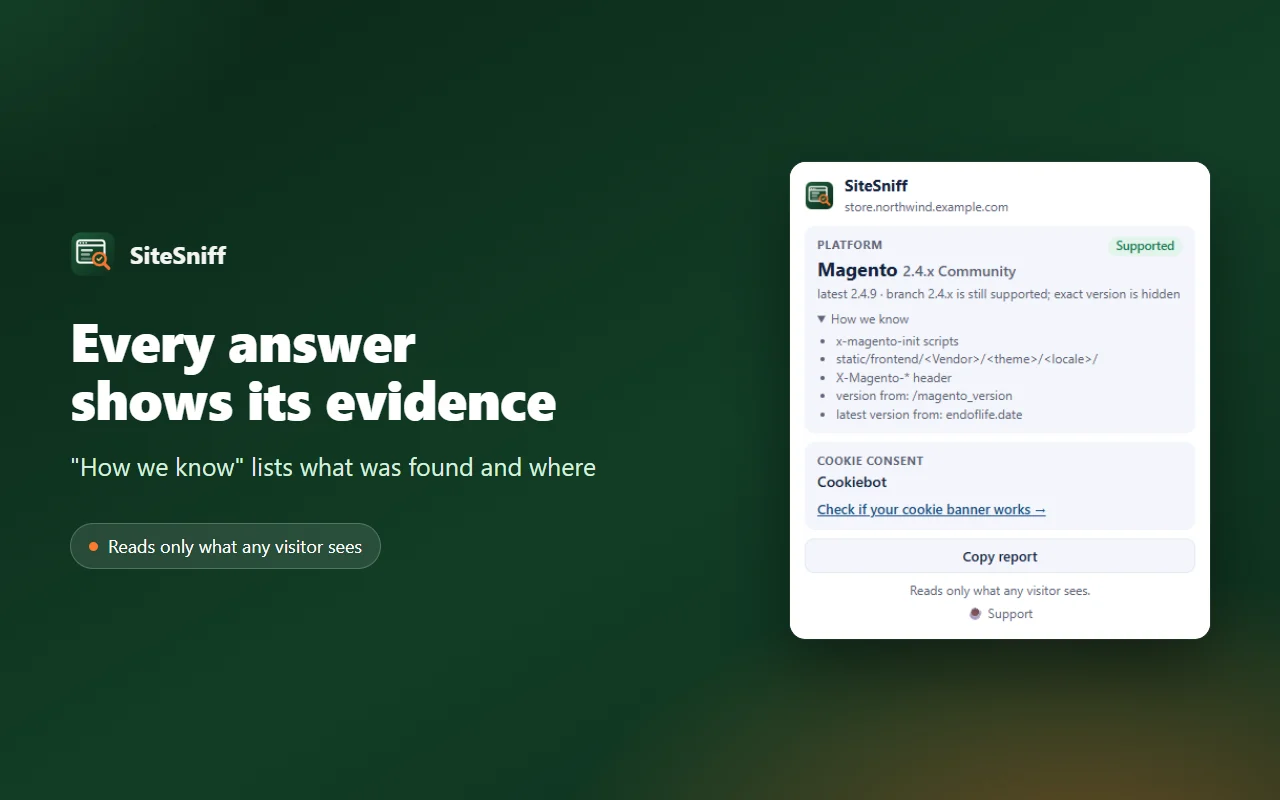
- The evidence. “How we know” lists what was found and where, and “Copy report” puts a short summary on your clipboard.
Who it is for
Web developers and agencies sizing up a client’s site before a quote, shop owners looking at a competitor’s store, anyone who saw a theme they liked, and people who look after several sites and want to spot old versions.
Private by design
SiteSniff reads only what any visitor sees: the page you are on and a few public files of the same site, like the RSS feed or a plugin readme. It runs only when you click its icon and asks for no access to all websites. To compare versions it asks WordPress.org, endoflife.date and GitHub about names like “contact-form-7” or “drupal”, never about the site you check. No account, no analytics. Read the privacy policy.
Questions or ideas: [email protected]