Apps / StyleCopy
Browser extension
StyleCopy
See how any website is designed. Hover an element and get its font, colors, spacing and effects. Click to copy a value or the whole CSS block.
Coming soon to Microsoft Edge and Firefox. Free, no account.What it does
- Inspect any element. Hover to highlight it like in DevTools: margin, padding and size. Click to lock it, move to the parent with the arrow keys.
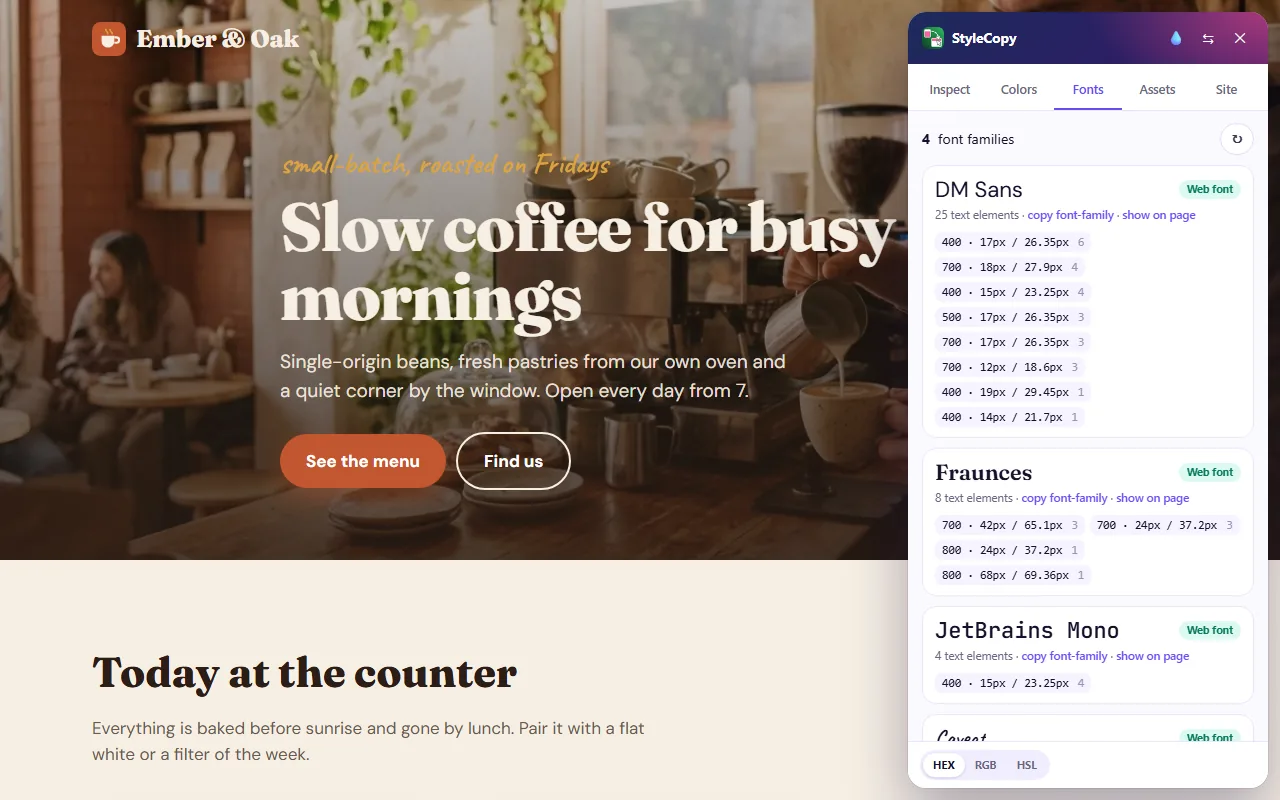
- Typography. Font family, size, weight, line height and letter spacing, with a live sample.
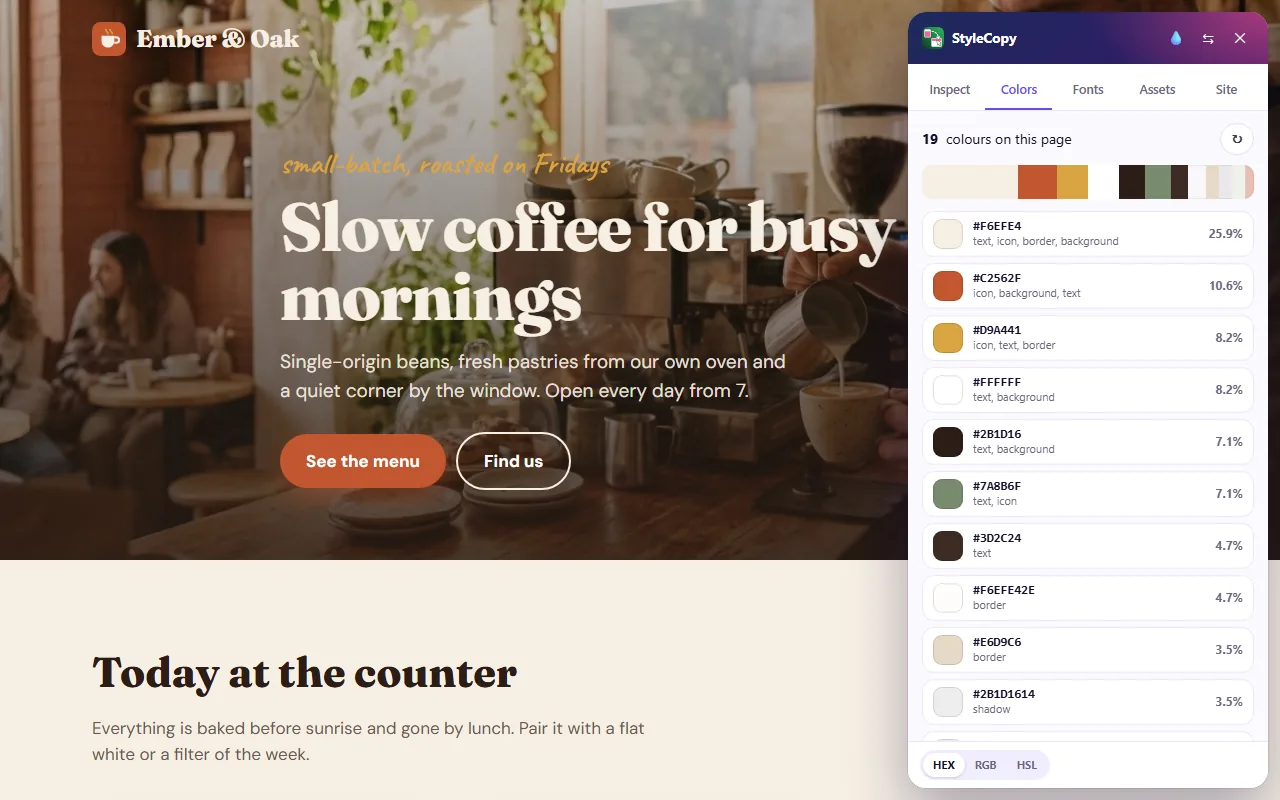
- Colors and contrast. Text, background (the real color behind the element), border and SVG colors, plus a WCAG contrast check.
- Copy CSS. One click gives a clean CSS block for the element.
- Color picker. Pick the color of any pixel on the screen, including inside images, as HEX, RGB or HSL.
- Page palette and fonts. Every color and every font family on the page, sorted by how much they are used.
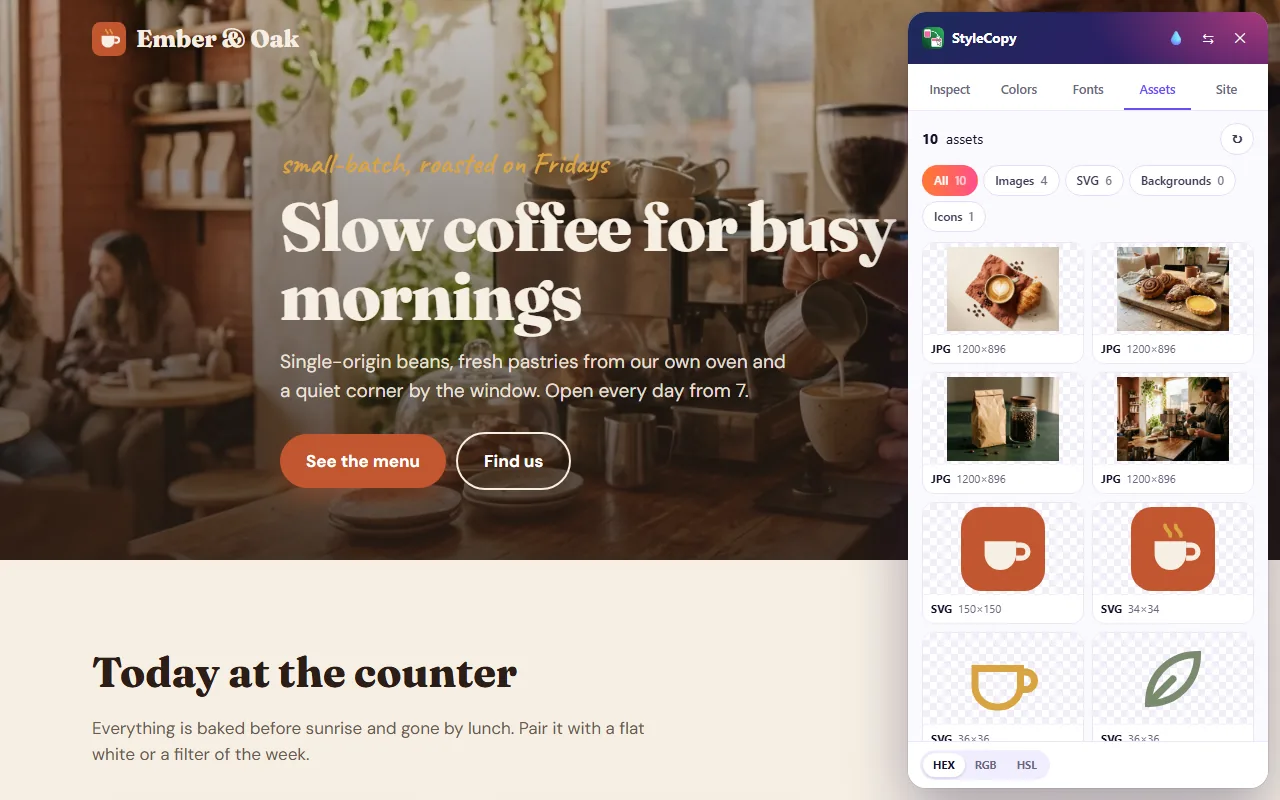
- Assets. Images, background images, SVG icons and favicons, ready to download or copy.
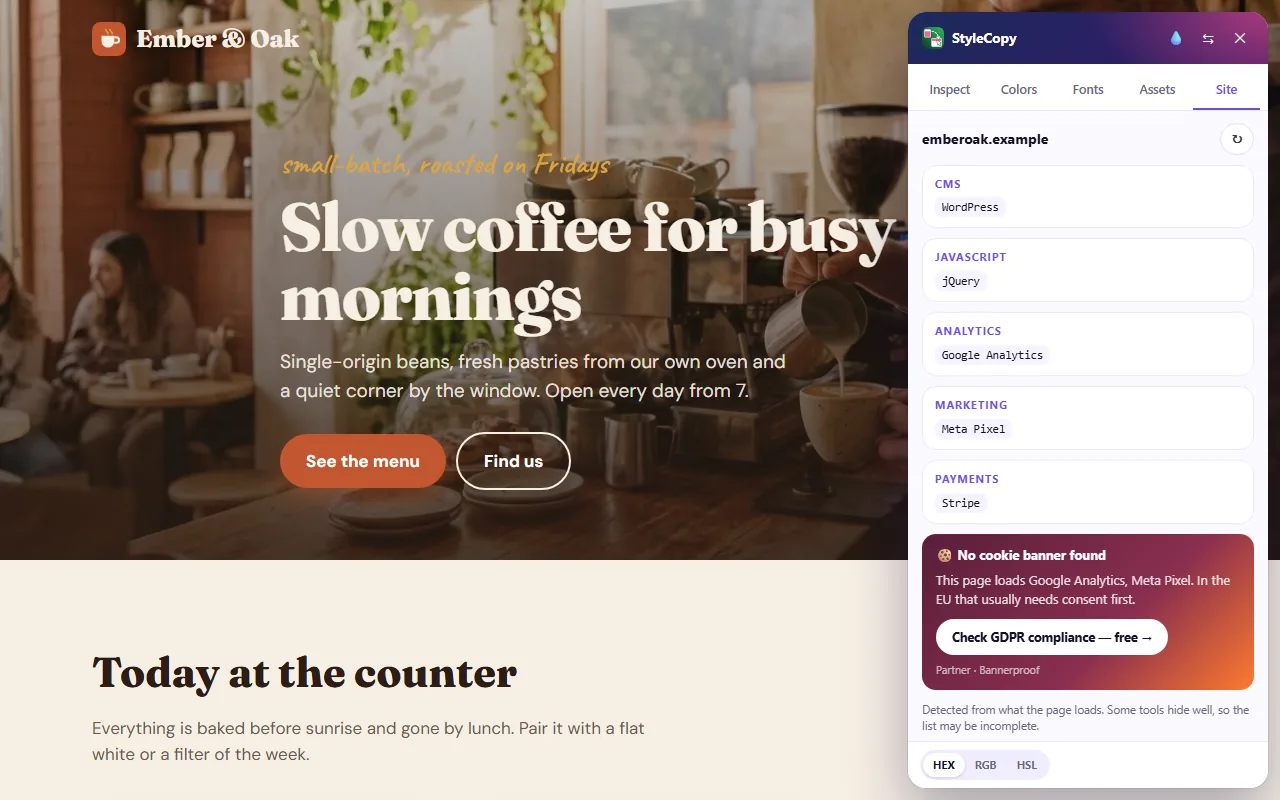
- Site. What the site is built with: CMS, frameworks, analytics and the cookie banner it uses.

Private by design
StyleCopy runs only on the tab where you click its icon or press Alt+Shift+C. Nothing is sent anywhere: there are no servers, no accounts and no tracking. Read the privacy policy.
Partner link. In the Site tab, the “Check GDPR compliance” button opens a free cookie-consent scan by our partner Bannerproof in a new tab. It is marked “Partner · Bannerproof” and opens only when you click it.
Questions or ideas: [email protected]