Apps / ViewDrop

Browser extension
ViewDrop
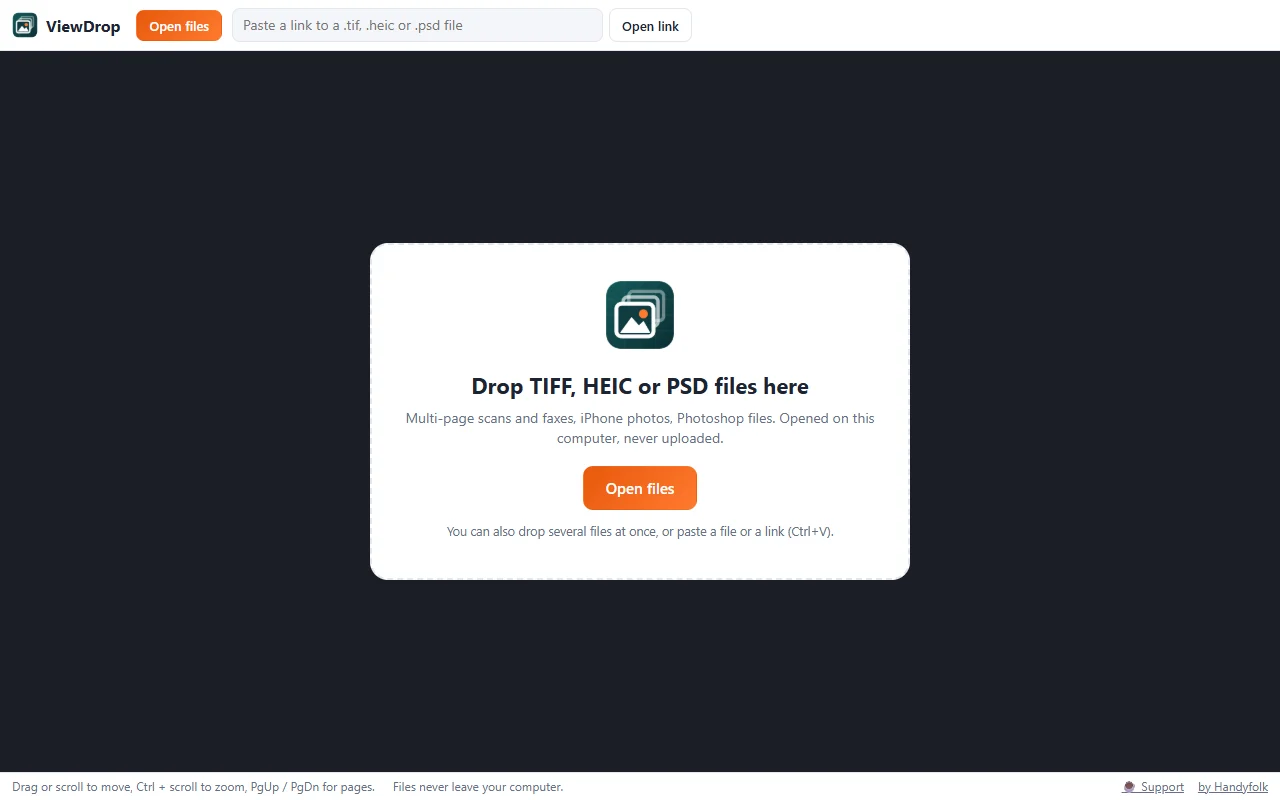
Open HEIC photos, layered PSD files and multi-page TIFF scans and faxes right in your browser, and save any page as PNG or JPG. No upload, no sign-up: the file is opened on your computer and never leaves it.
 Get it for Chrome, free
 Get it for Edge
What it opens
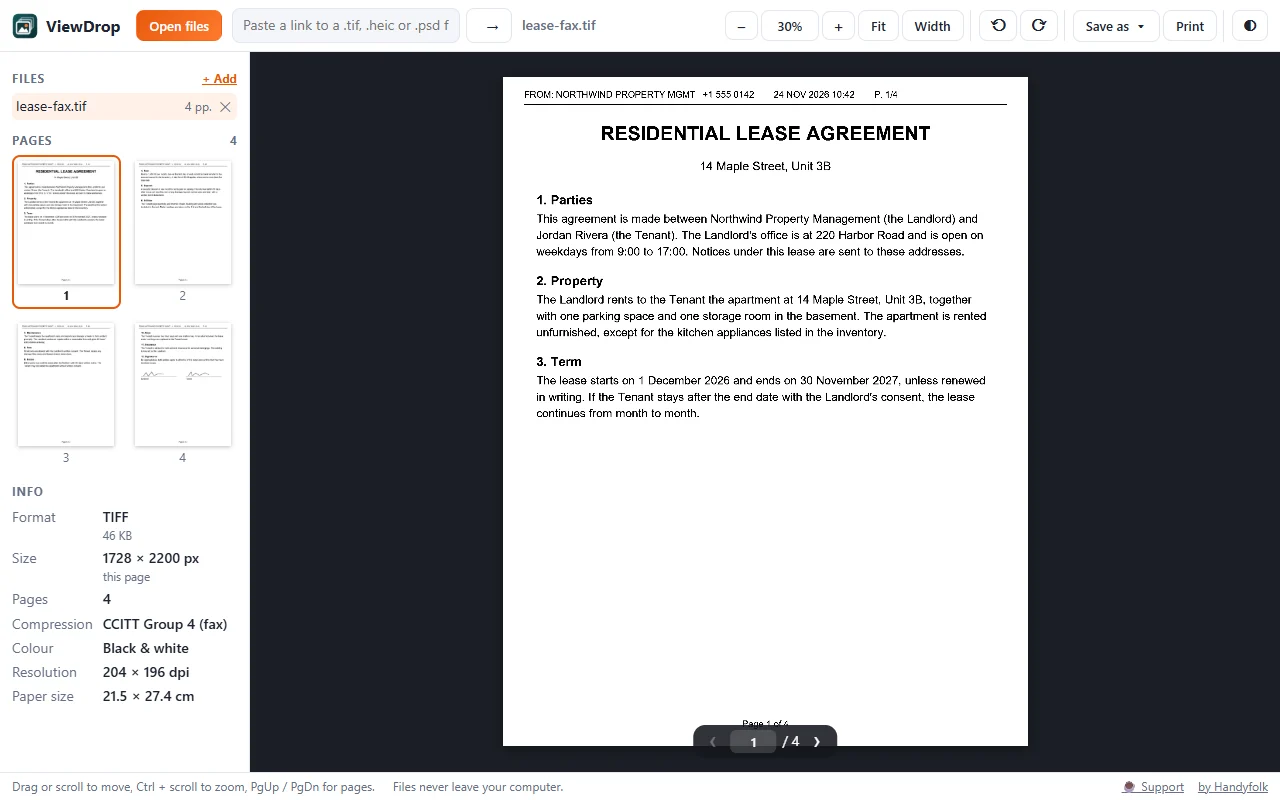
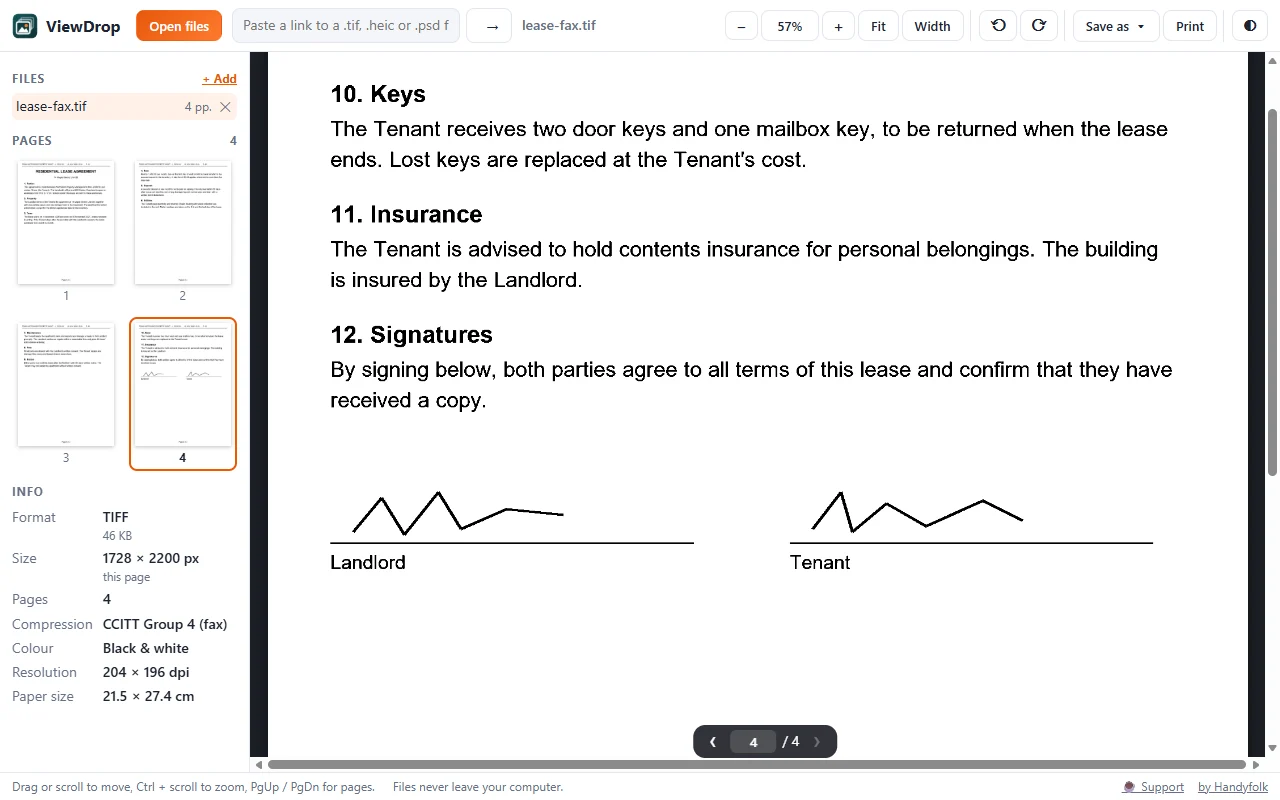
- Multi-page TIFF. Every page of a scanned contract or a fax, with thumbnails and page navigation. Fax compressions (CCITT Group 3 and 4), LZW, JPEG and more; fax pages in “normal” resolution are shown at the right height.
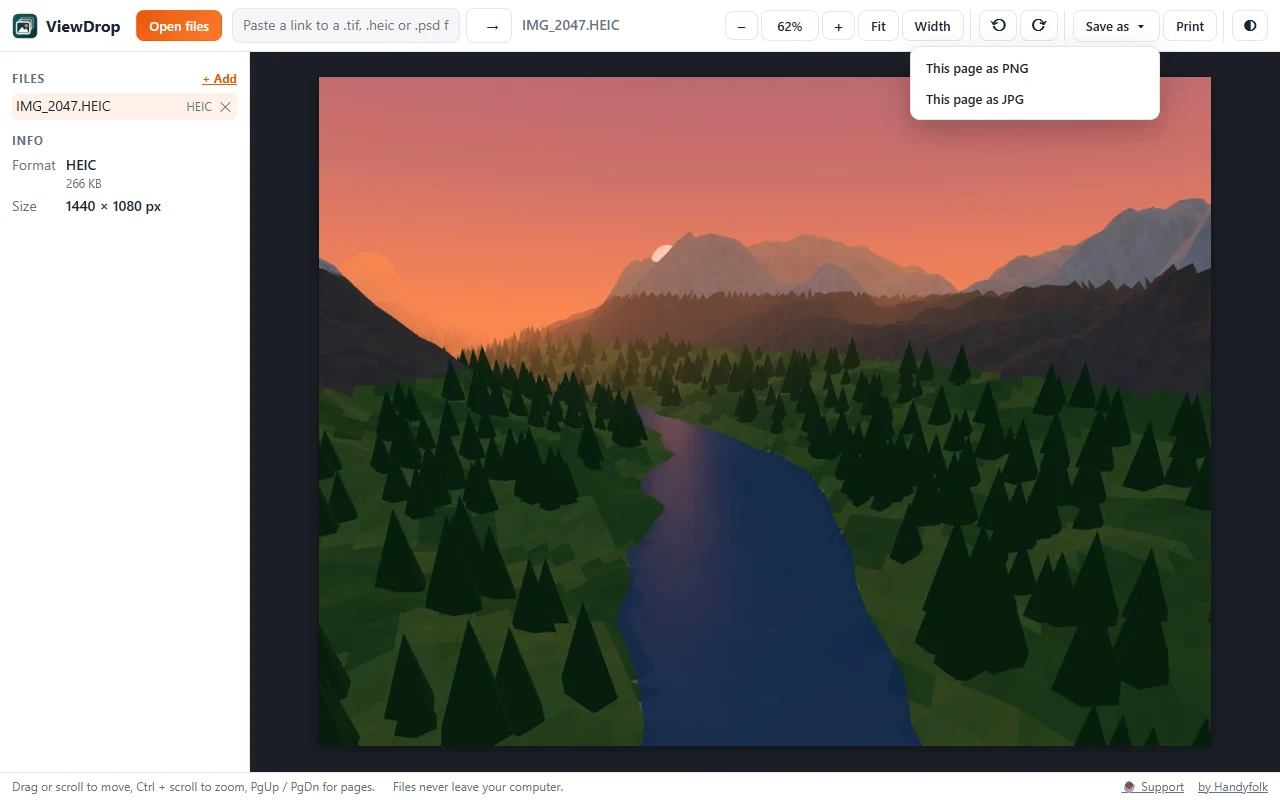
- HEIC and HEIF. iPhone and camera photos that Windows can’t show, including files with several images.
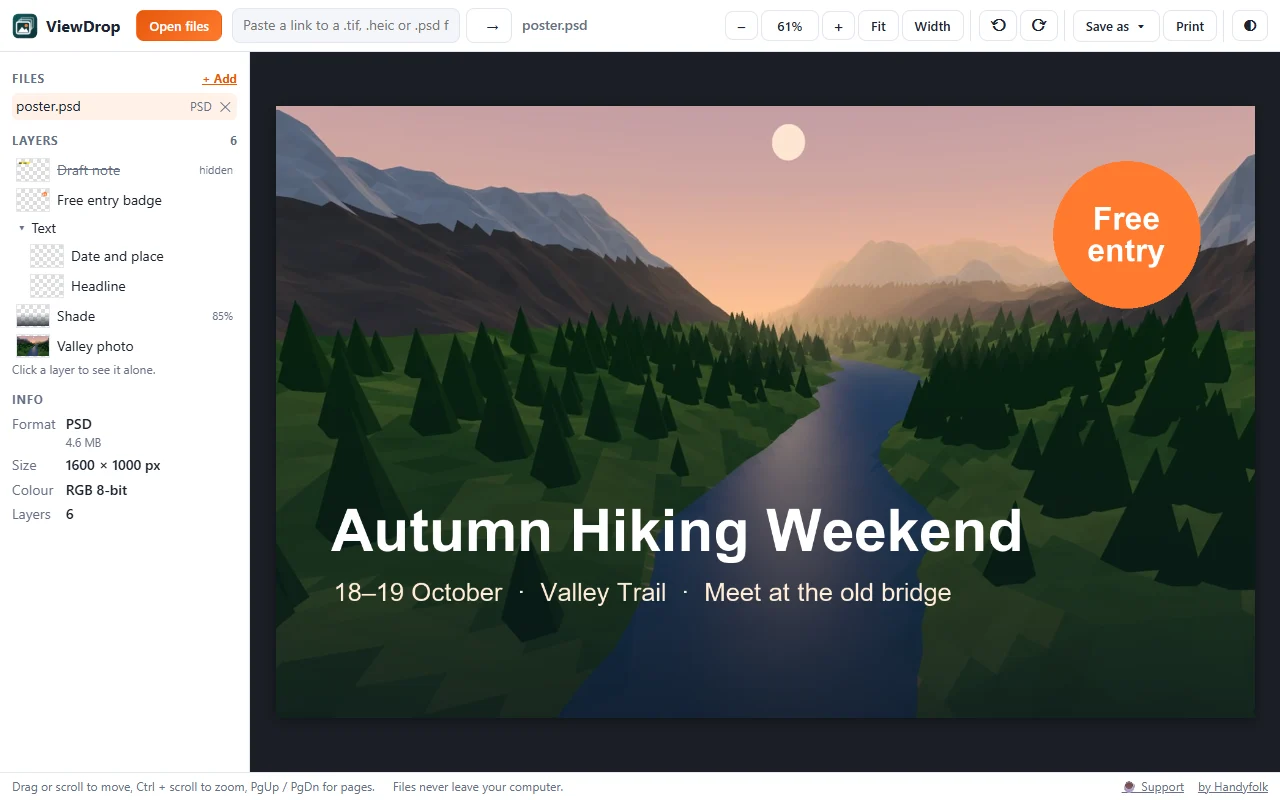
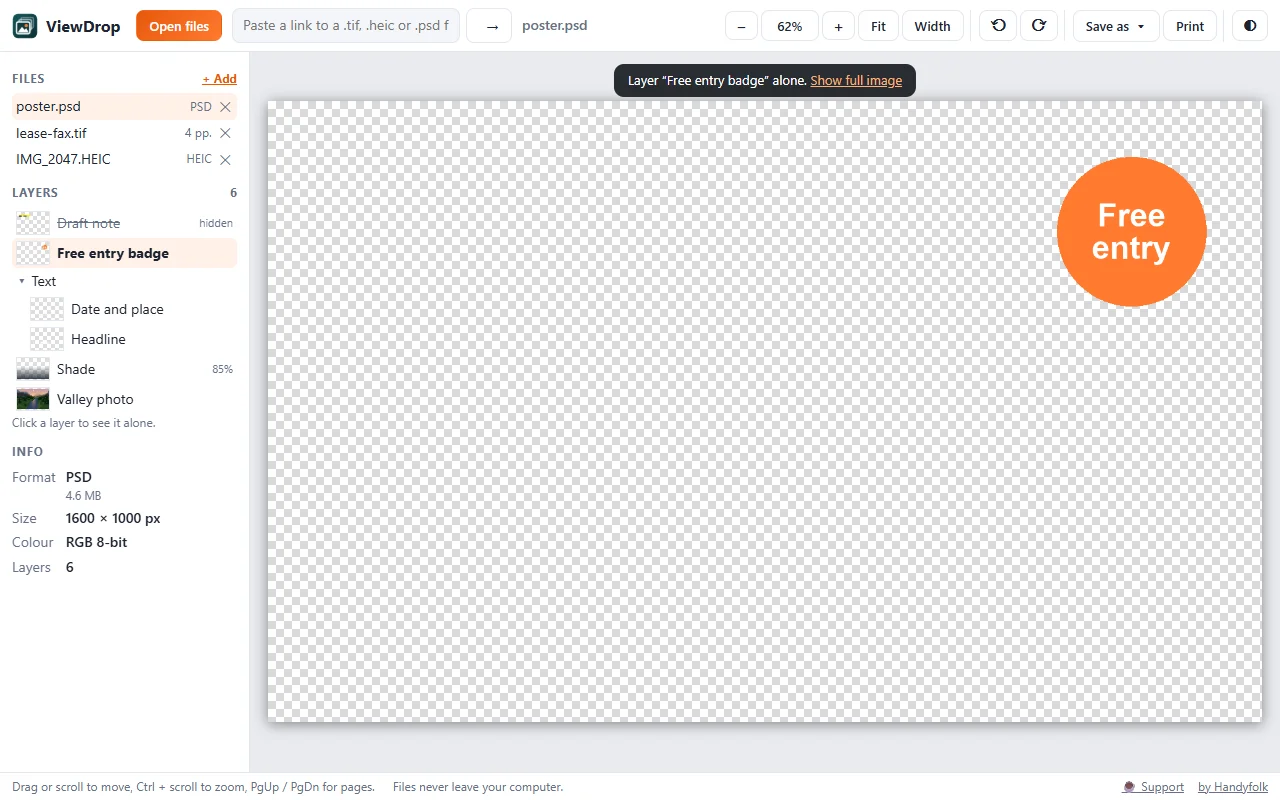
- PSD and PSB. Photoshop files without Photoshop, with the layer list: click a layer to see it alone. Works even when the file has no saved preview.
- And the usual ones. PNG, JPG, WebP, GIF, BMP and AVIF.
What you can do
- Save a page as PNG or JPG to share it or upload it anywhere.
- Zoom, fit to page or width, rotate each page, and print all pages.
- Open any way you like: drop files, paste a file or a link, or right-click a link to a .tif, .heic or .psd file and choose “Open with ViewDrop”.
Private by design
Files are read and shown inside the extension. There are no servers, no accounts and no tracking. ViewDrop asks for access to a website only when you open a link from it, and only for that site. Read the privacy policy.
Questions or ideas: [email protected]