Apps / TrimDrop

Browser extension
TrimDrop
Trim, cut and compress videos, make GIFs and cut MP3s right in your browser. No upload, no sign-up and no watermark: the file is opened on your computer and never leaves it.
 Get it for Chrome, free
 Get it for Edge
What it does
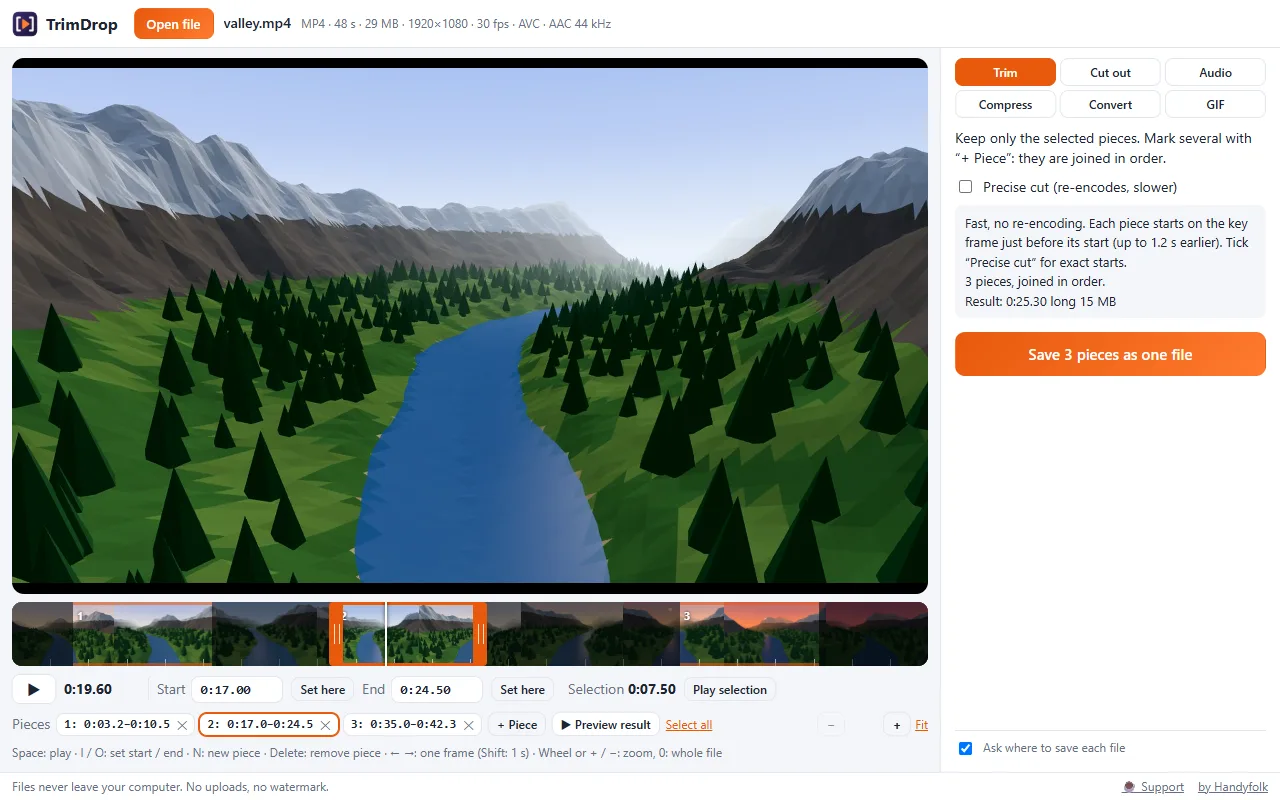
- Trim without re-encoding. Keep one piece or several pieces, joined in order in one file. It takes a second even for long videos, and the quality stays exactly the same.
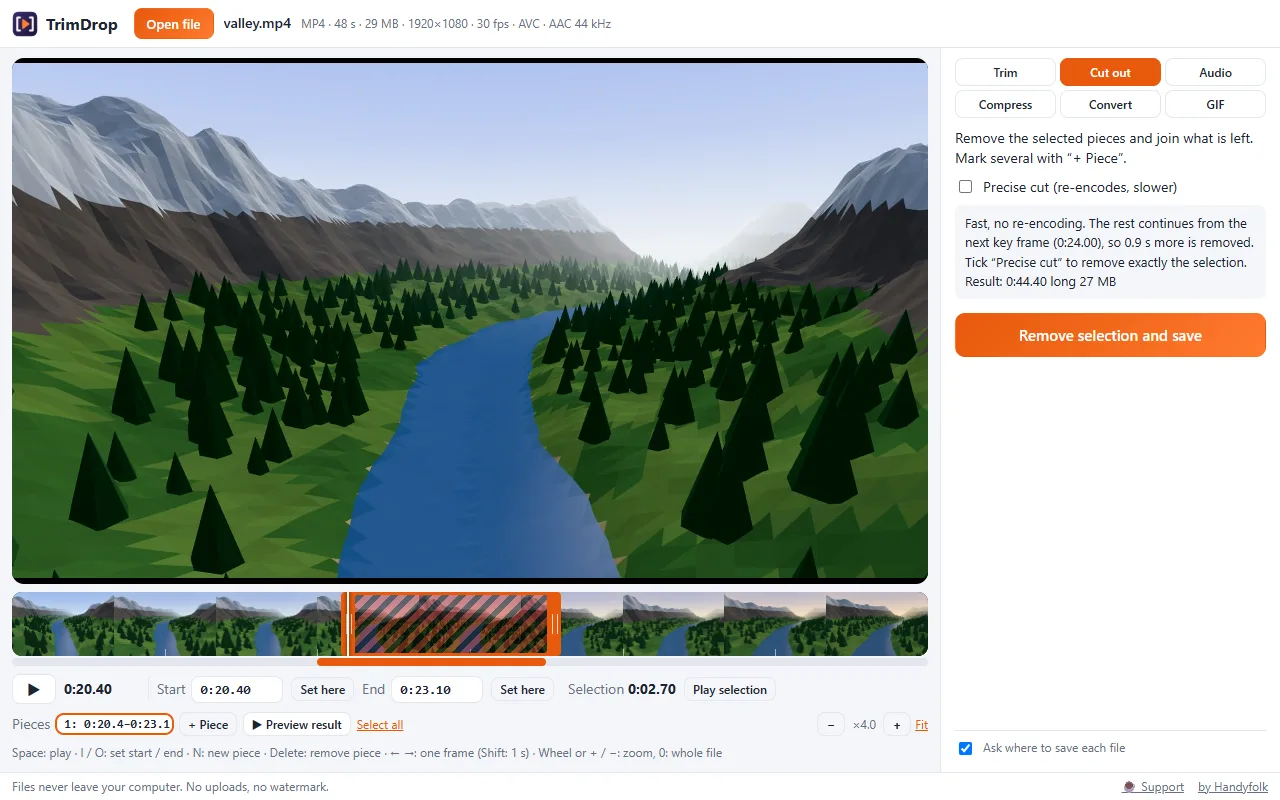
- Cut out. Remove one or several unwanted parts and save the rest as one file.
- Precise when you need it. The fast mode starts at a key frame, and TrimDrop tells you where before you save. Tick “Precise cut” to cut at the exact frame.
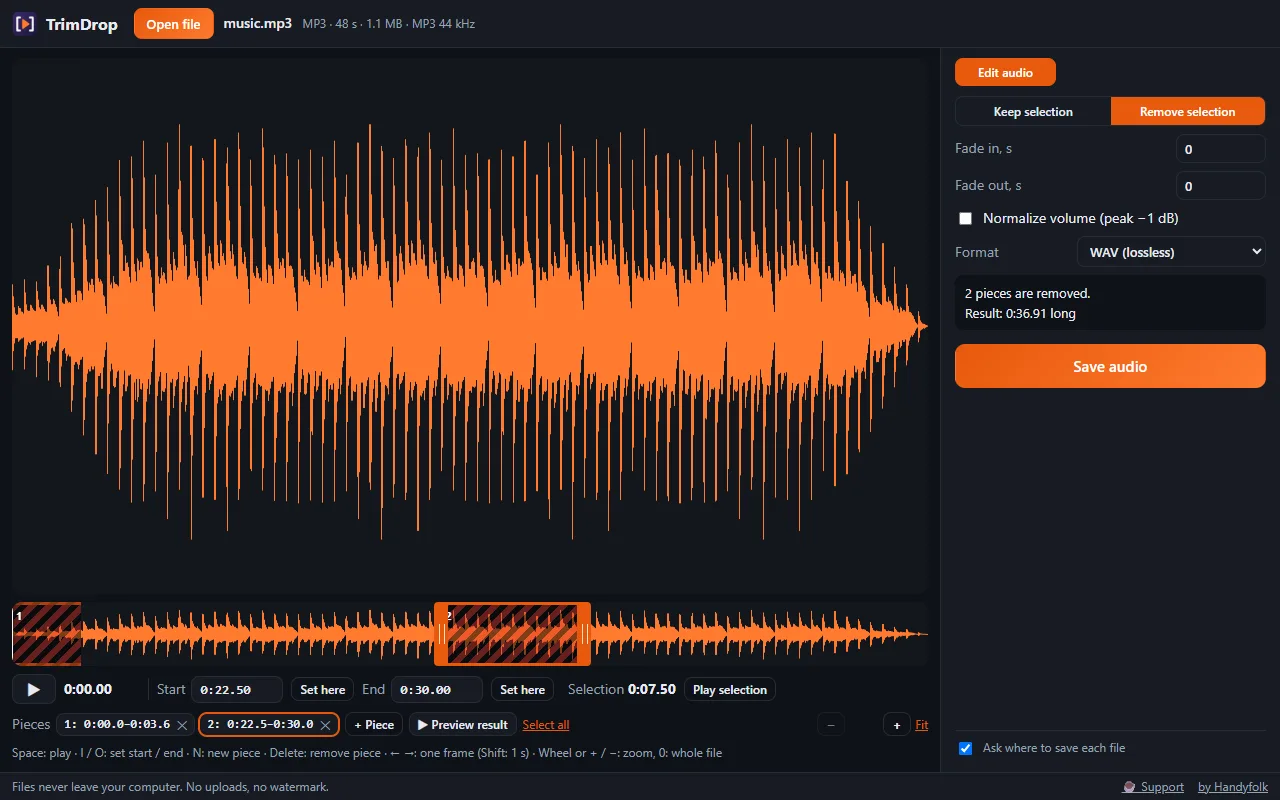
- Preview the result. Playback jumps over everything that will not be kept, so you hear and see the final file before saving it.
- Timeline you can zoom. Frame thumbnails and the audio waveform; zoom down to single frames with the mouse wheel.
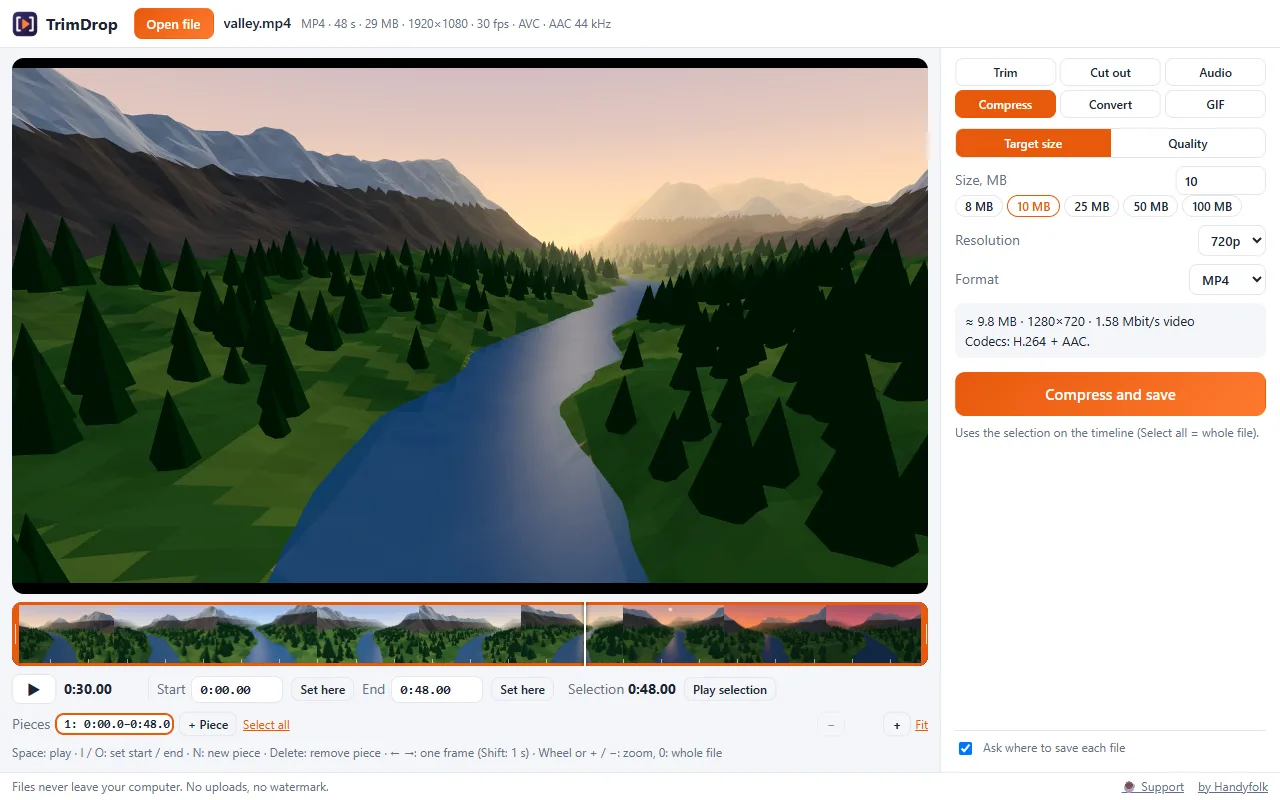
- Compress to a size. Fit a video into 8, 10, 25 or 50 MB for email, chats or Discord, or compress by quality. You see the expected size before you start.
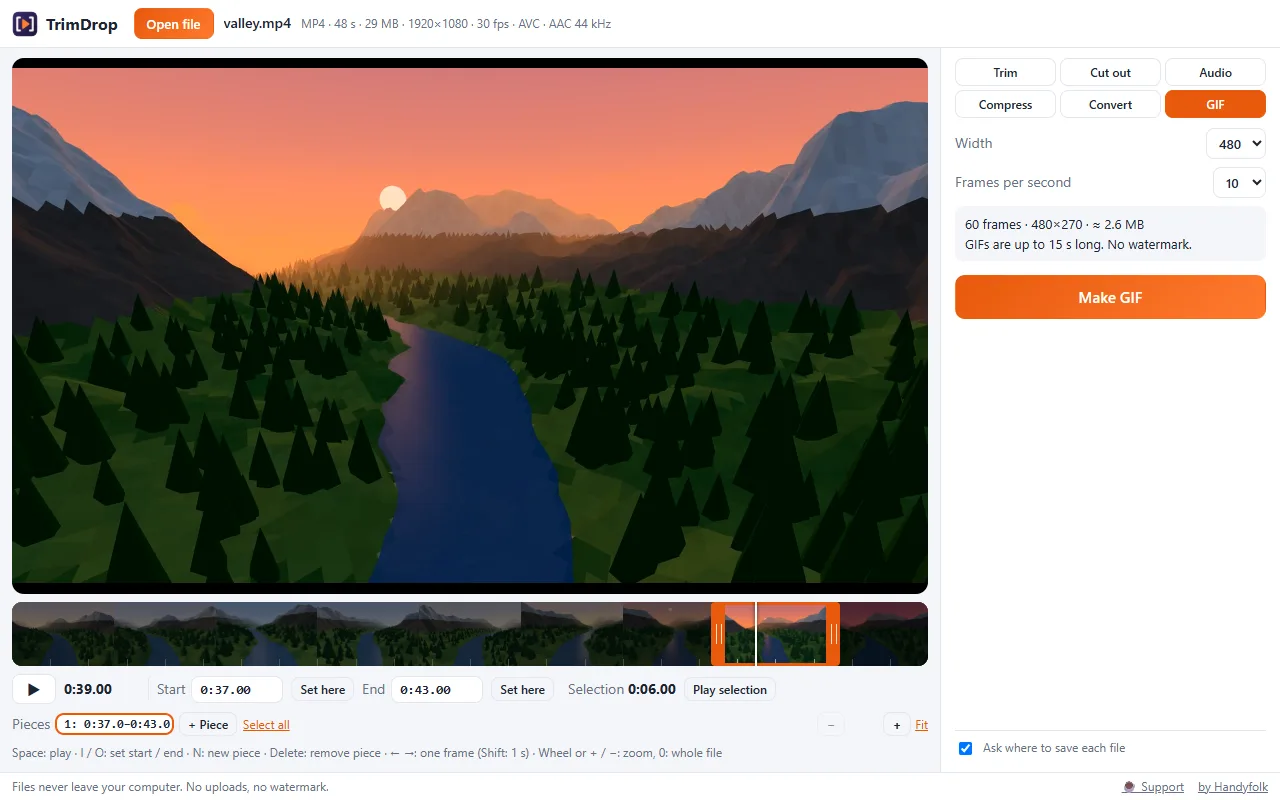
- Convert and GIF. MP4 to WebM and back; a GIF from any part of a video, up to 15 seconds, with no watermark.
- Audio. Remove the sound from a video or save it as MP3, M4A or WAV. Edit MP3, WAV, M4A, OGG and FLAC files: cut, keep pieces, fade in and out, normalize.
Formats
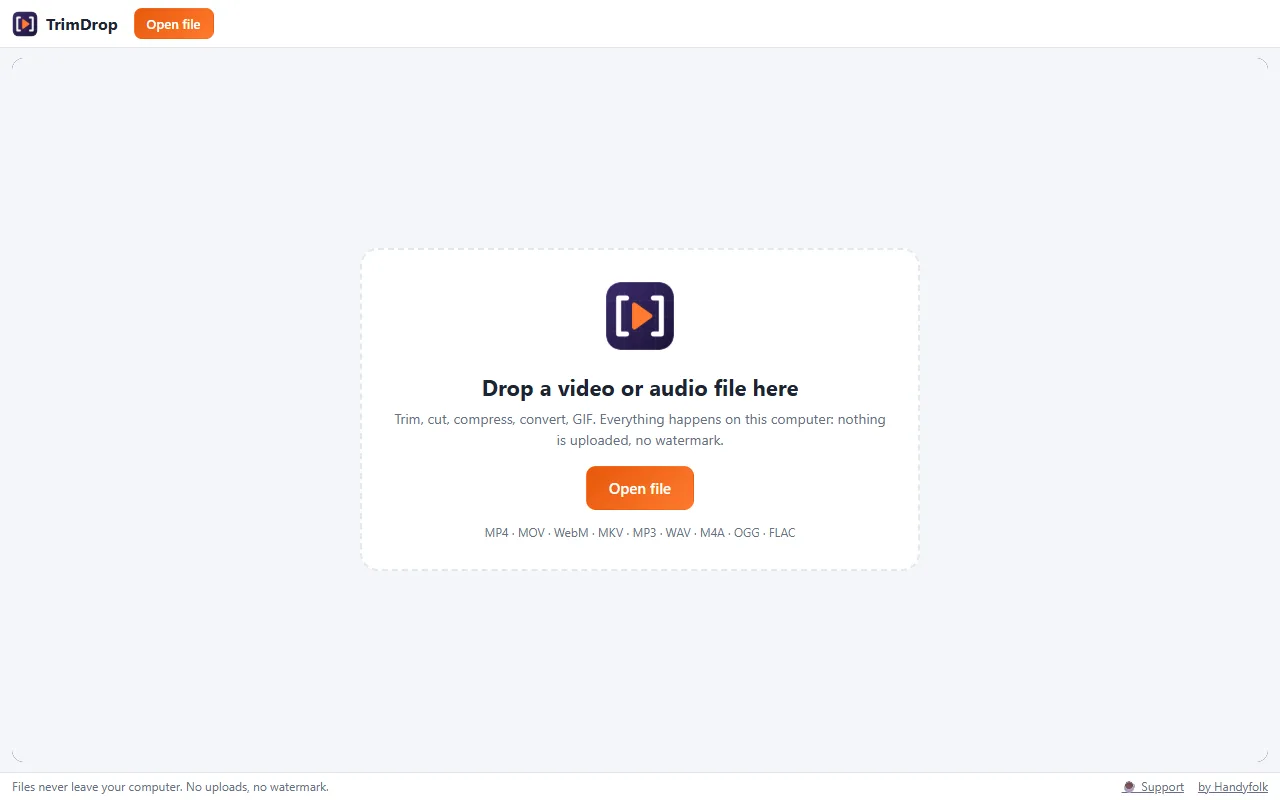
MP4, MOV, WebM, MKV, MP3, WAV, M4A, OGG and FLAC. TrimDrop uses your browser’s own video engine (WebCodecs), so re-encoding is fast too: in Chrome and Edge a minute of 1080p video is compressed in about ten seconds.
Private by design
Everything runs inside the extension. There are no servers, no accounts and no tracking, and TrimDrop needs no access to websites at all. Read the privacy policy.
Questions or ideas: [email protected]