
Mapsprout
A free mind map maker that opens in a browser tab. No account and no limits: make as many maps as you like, type fast with the keyboard and export them as PNG, SVG or Markdown. Your maps are saved on your computer and never uploaded.
 Get it for Chrome, free
 Get it for Edge
What it does
- No account, no limits. Open the extension and start a map. There is no sign-up, no map limit and no trial.
- Fast keyboard editing. Tab adds a subtopic, Enter adds the next topic, F2 or just typing edits, the arrow keys move around the map, Alt+↑/↓ reorders, Space folds a branch, Ctrl+Z undoes.
- Drag and drop. Drag a topic onto another topic to move the whole branch there, or between two topics to change the order.
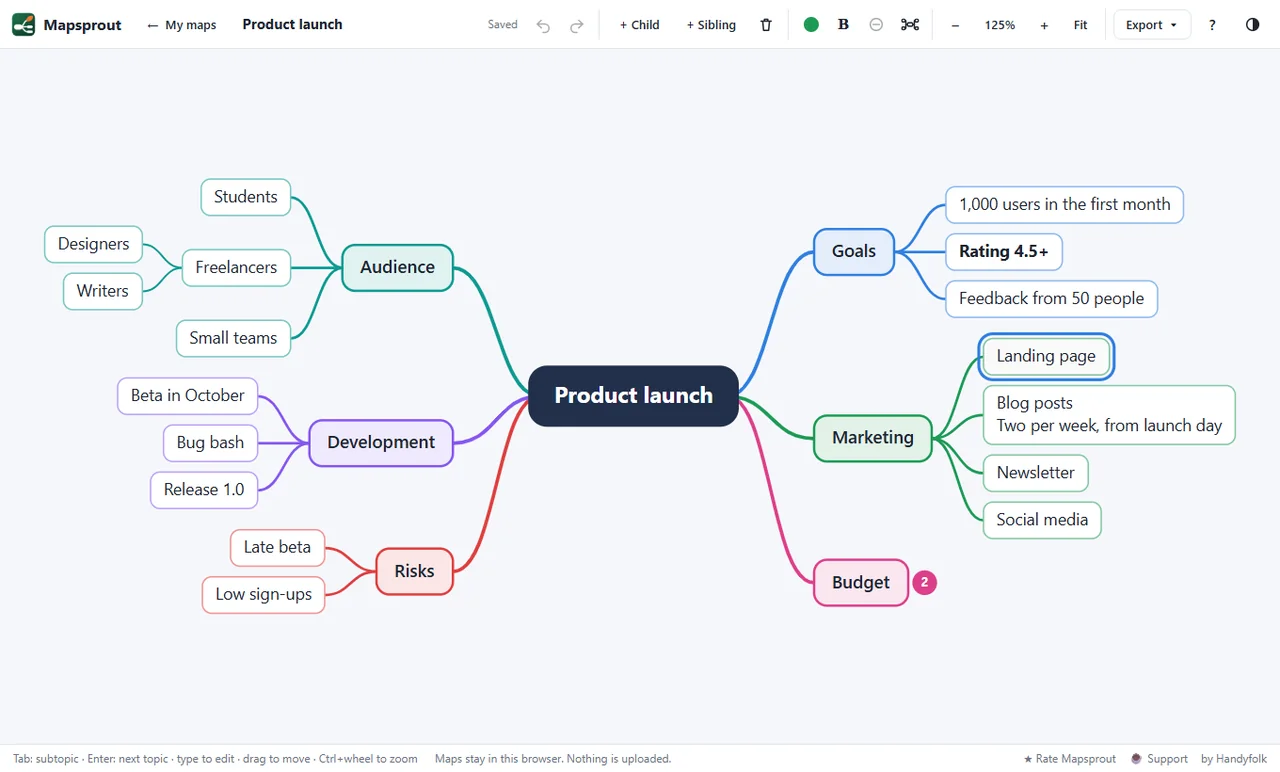
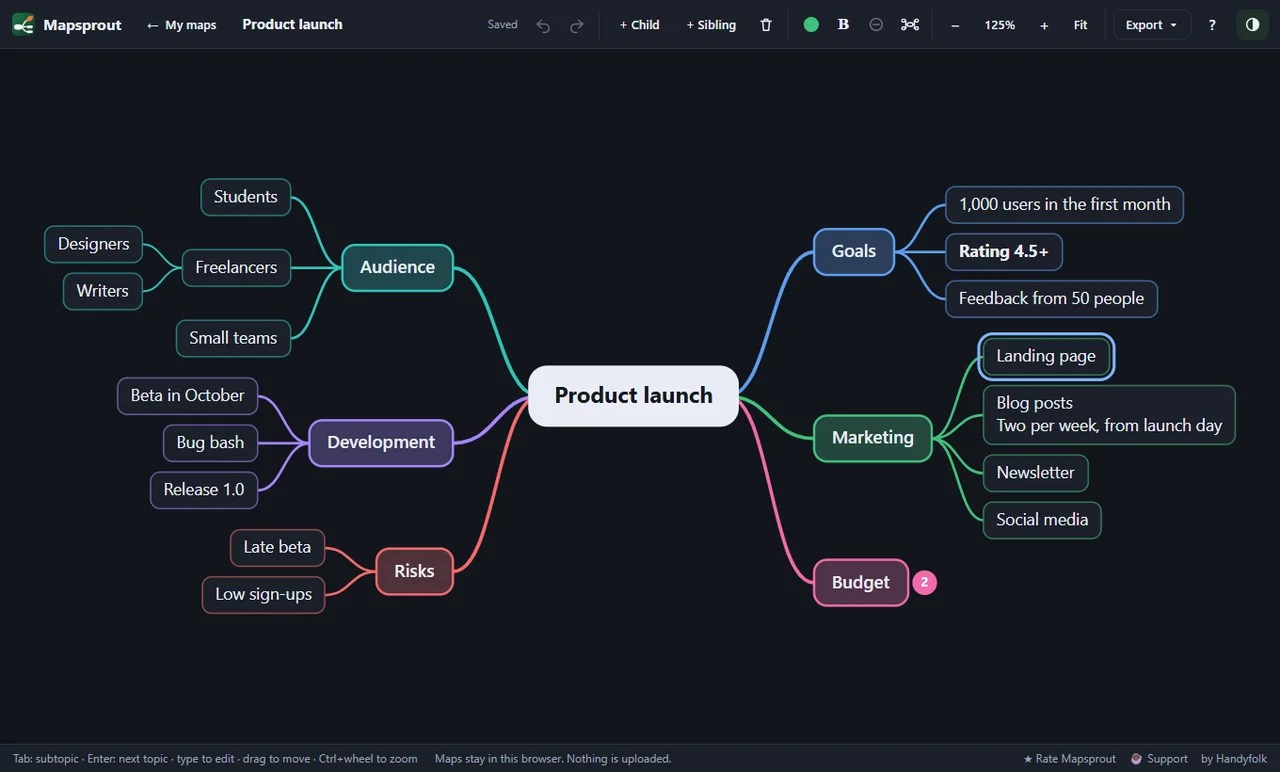
- Make it readable. Eight branch colors, bold topics, a layout on both sides or to the right only, and a light or dark theme.
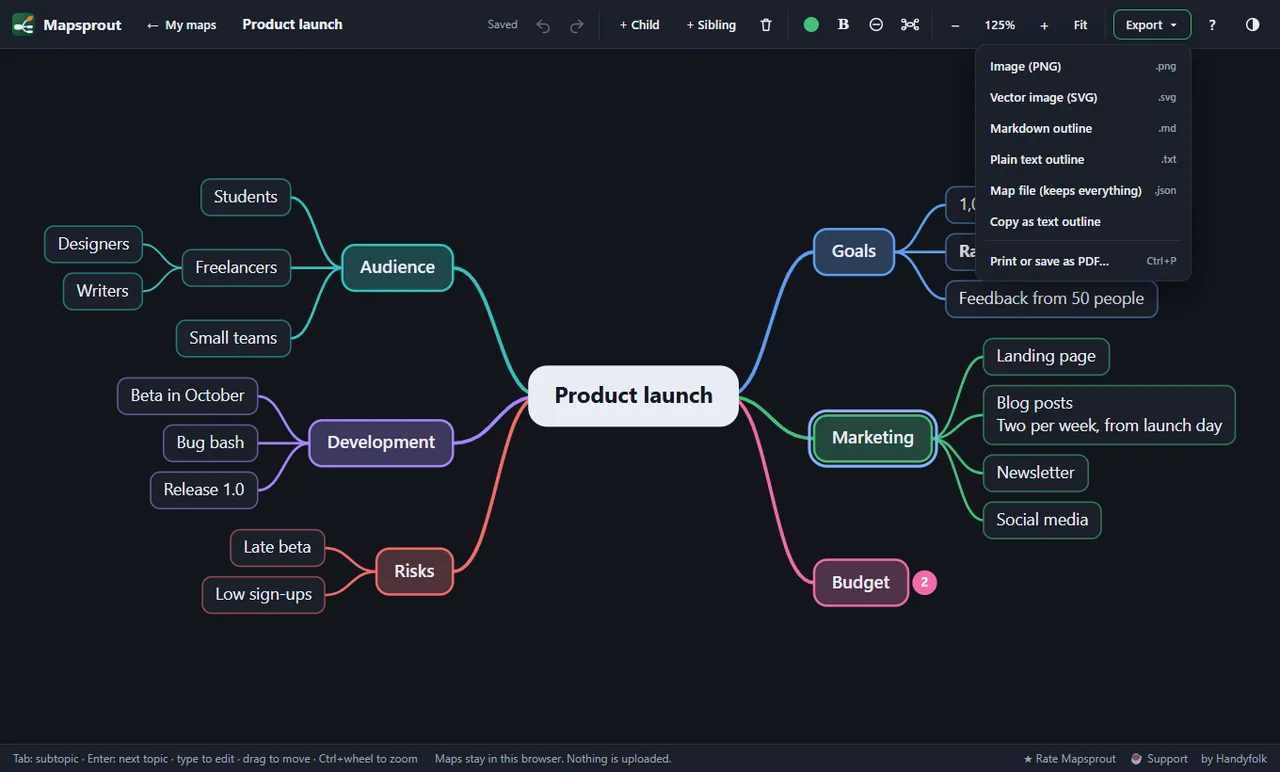
- Export. PNG image, SVG vector image, Markdown outline, plain text outline, or a map file (.json) that keeps everything. Print a map or save it as PDF through your browser’s print dialog.
- Import. Open .json, .md and .txt files, or paste an outline: headings, bullet lists and indented lines all become topics.
- From any web page. Select text, right-click and choose “Make a mind map from the selection”. Each line becomes a topic.
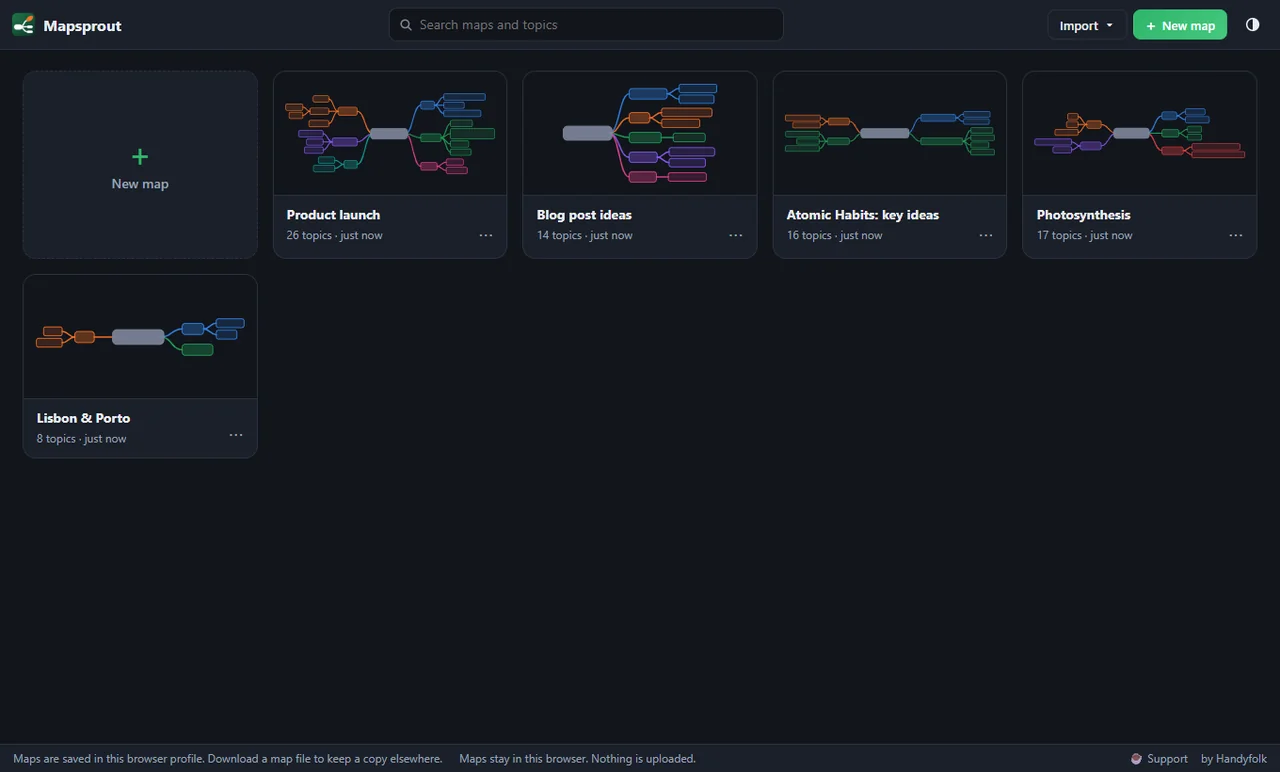
- Your maps, in one place. Every map gets a card with a preview. Search by title or by any topic text. Rename, duplicate, download or delete a map, with Undo.
- Back up everything. Save all your maps in one file and restore them later, in this browser or another one.
Private by design
Maps are saved in your browser, on your computer, as you type. Mapsprout works offline, has no servers, no accounts and no analytics, and sends nothing anywhere. It cannot read the websites you visit: it has no access to any site. Read the privacy policy.
Because maps live in your browser profile, keep a copy of the ones that matter: download a map file, or back up all maps at once.
New to mind maps?
Our guide How to make a mind map walks you through it step by step, with examples for book notes, studying, brainstorming and project plans.
Questions or ideas: [email protected]